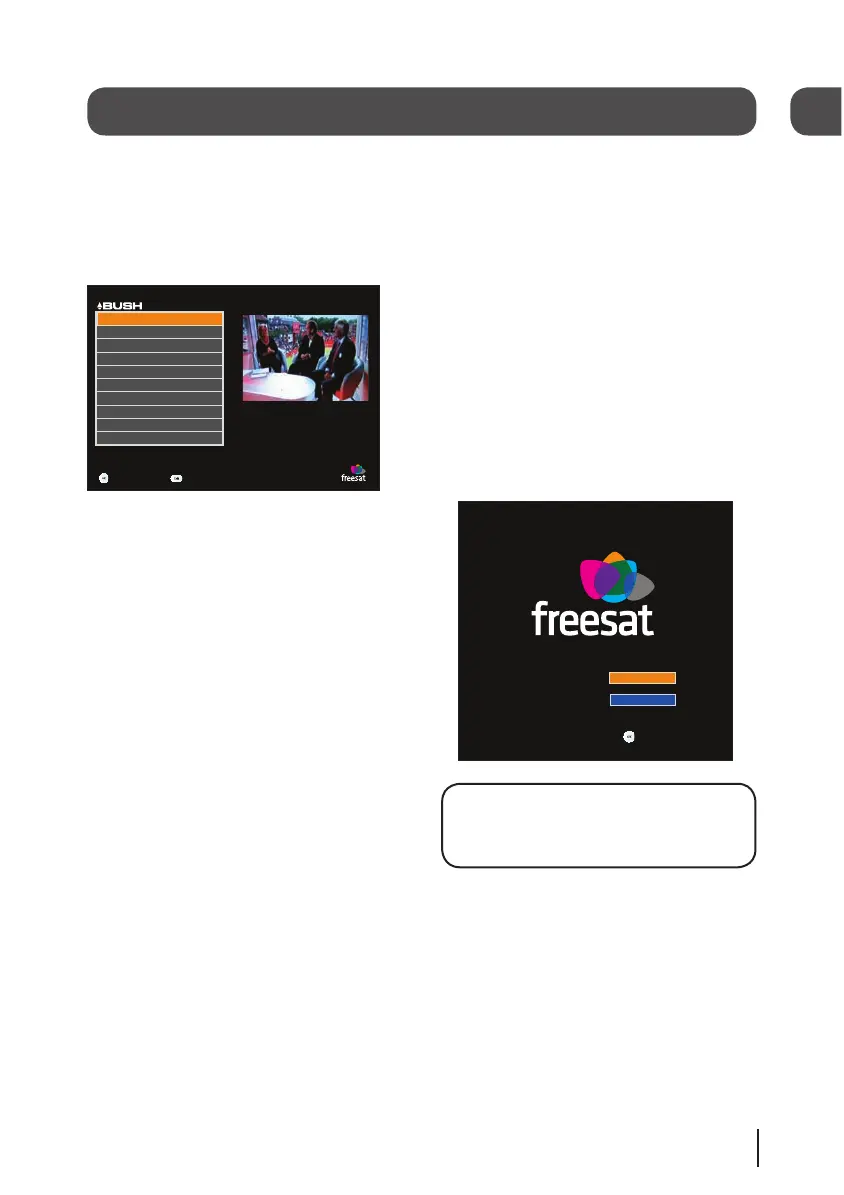
The menu system
The settings menu
The settings menu allows you to change the
default settings on your digital box.
To select one of the options use the arrow
buttons, then press the [OK] button to select.
Select
F riday 13 Mar 17:35
Exit Menu
Settings
P a r e ntal Settings
Menu T r ansparency Settings
Receiver Upgr a de
Genre Settings
TV Screen Size
SCART Output
K ey Beep
First Time Install
Show Non-F reesat Services
Add Non-F reesat Services
Key Beep
This setting lets you turn the Audio Description
key beep on or off.
Genre Settings
This setting lets you turn off the Genre window
when you press the [GUIDE] button on the
remote control, so that all channels are shown
in the programme list as default.
TV screen size
This changes the format of the screen. Select
the option that best suits your type of TV.
SCART output
You can set the output type of the SCART
socket. The options are Composite or RGB.
Parental settings
This allows you to change the channel lock
code.
Menu transparency settings
This allows you to make the channel list and
main menu transparent so that you can continue
watching TV while using them.
Receiver upgrade
You can set your digital box to search for
new system software either manually or
automatically.
First time install
This allows you to put your digital box back to
the factory default settings. You will need to
enter your lock code to continue. The default
lock code is 0000.
DON’T FORGET! Use the right arrow key on
the remote control to select your TV screen
size. Press the [OK] button to continue.
06
10


 To Next Page