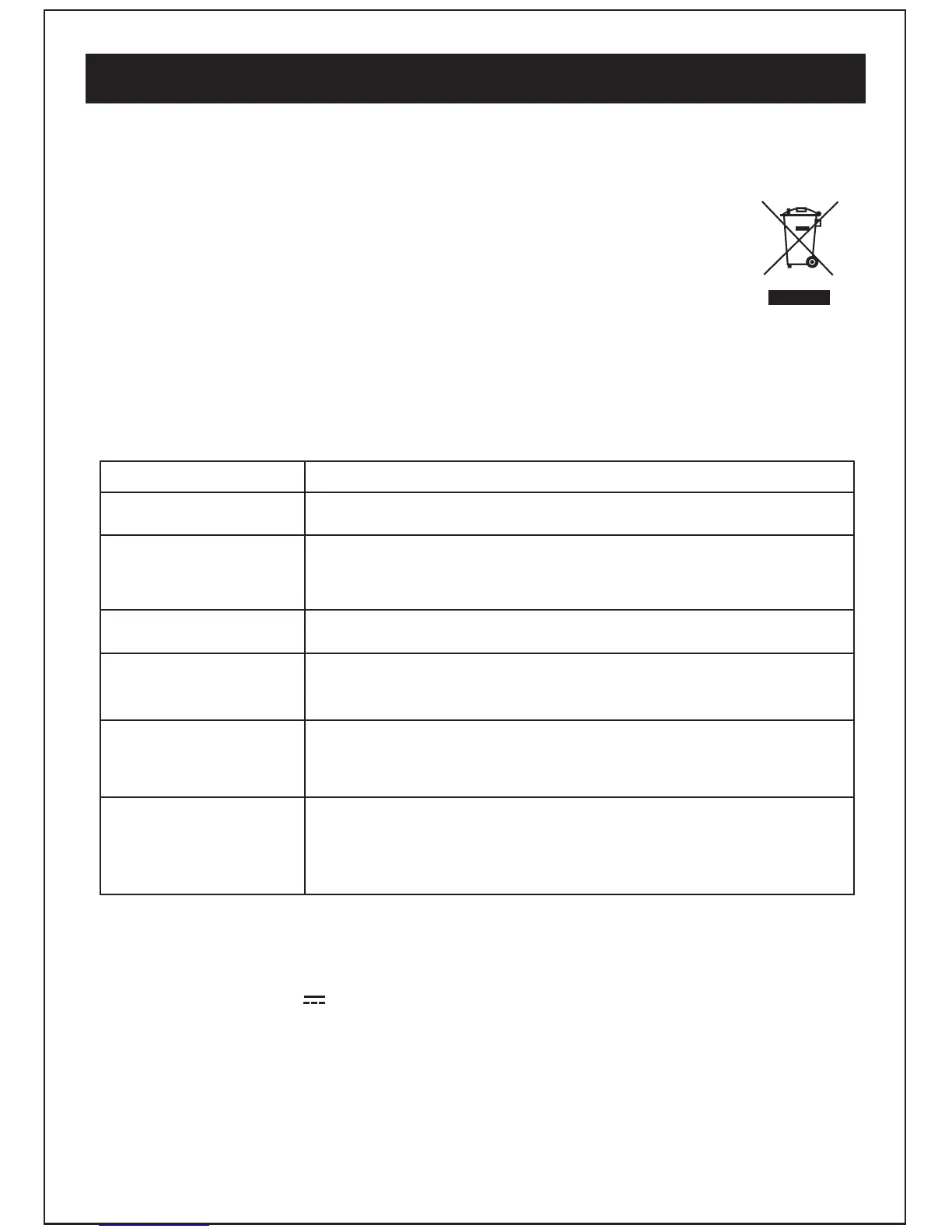
All electrical and electronic products must not be disposed of with household
waste. Please refer to the retailer form whom you purchase this item for
disposal instructions.
Packaging materials can be recycled using your local collection facilities.
Warning/Troubleshooting/Technical specifications
If a fault occurs, first check the points listed below before taking the set for repair.
If you are unable to remedy a problem by following these hints, consult you
retailer or service center.
WARNING: Under no circumstances should you try to repair the set
yourself, as this would void your guarantee.
Troubleshooting
PROBLEM
SOLUTION
No sound
Technical specification
Power consumption: 3W
Supply voltage: DC5V 0.6A
DAB+:174-240MHz
FM: 87.5-108MHz
Headphone output: 3.5mm jack
10
Adjust the volume control, it may not be turned up.
Static sound
Signal reception too low. Adjust the aerial or move the unit to a
stronger signal location.
sound is distorted
Volume is too high. Adjust the volume control.
Desired station not
found
Weak signal. Use the manual tune function.
The display shows
“No service”
No DAB+ coverage in your area or poor reception.
Adjust the position of the aerial.
The display is blank
This may occur if the broadcaster changes the label of the service
or removes a label while tuned. The radio will try to retune or
perform a scan.



 To Next Page