10
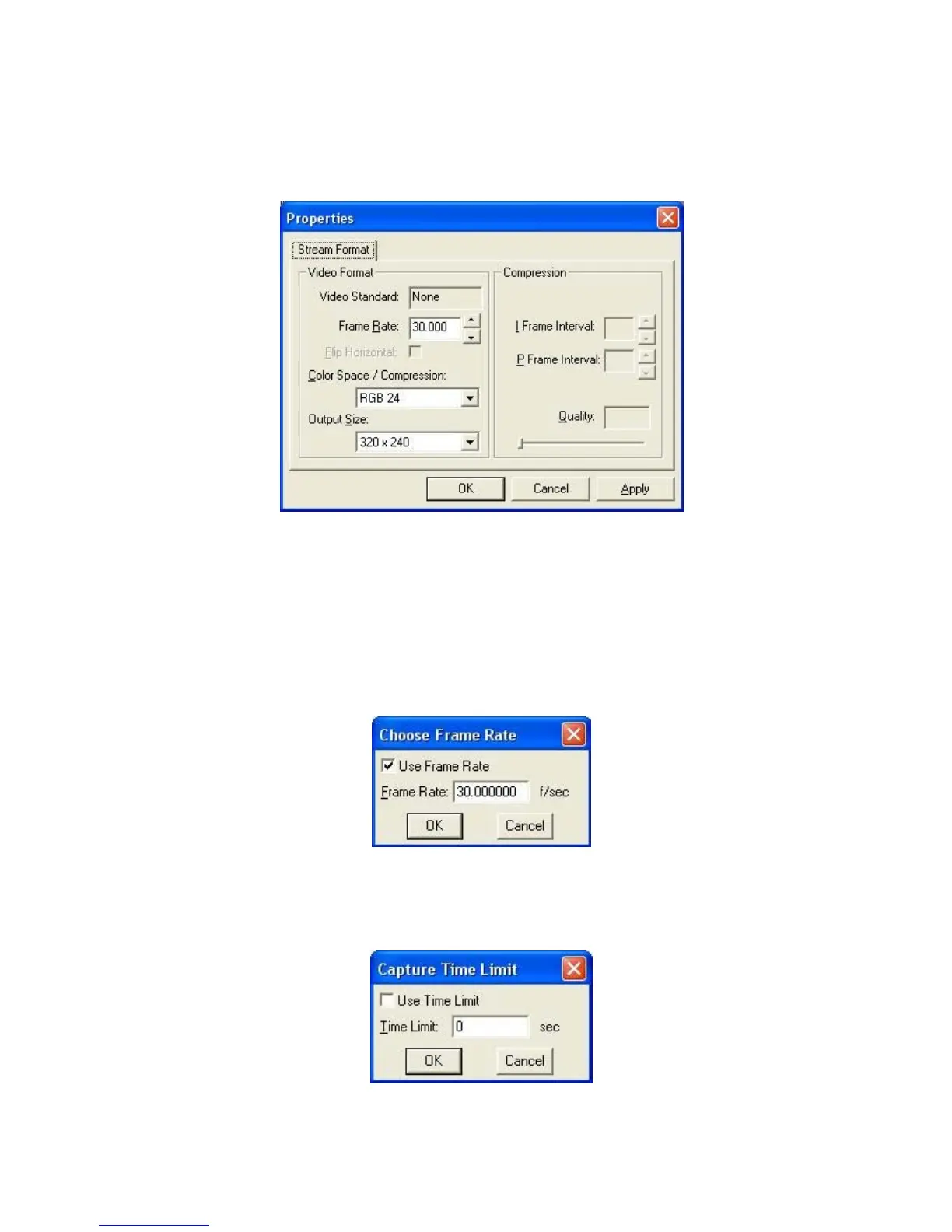
Options/ Video Capture Pin: choose the video color space and video size.
Supported color spaces are RGB24, 1420
Supported size is 160 120, 176 144, 320 240, 352 288, 640 480, 800 600,
1024 768, 1280 960 and 1600 1200.
Captures/ Start Capture: Save the capture file in your computer and select
“ START” and then “OK” to start capture of video sequence or “ Cancel” to cancel the
capture.
Capture/Set Frame Rate: where you can set the frame rate you want for preview
and video.
(Recommend to set the frame rate as 30)


 To Next Page