12
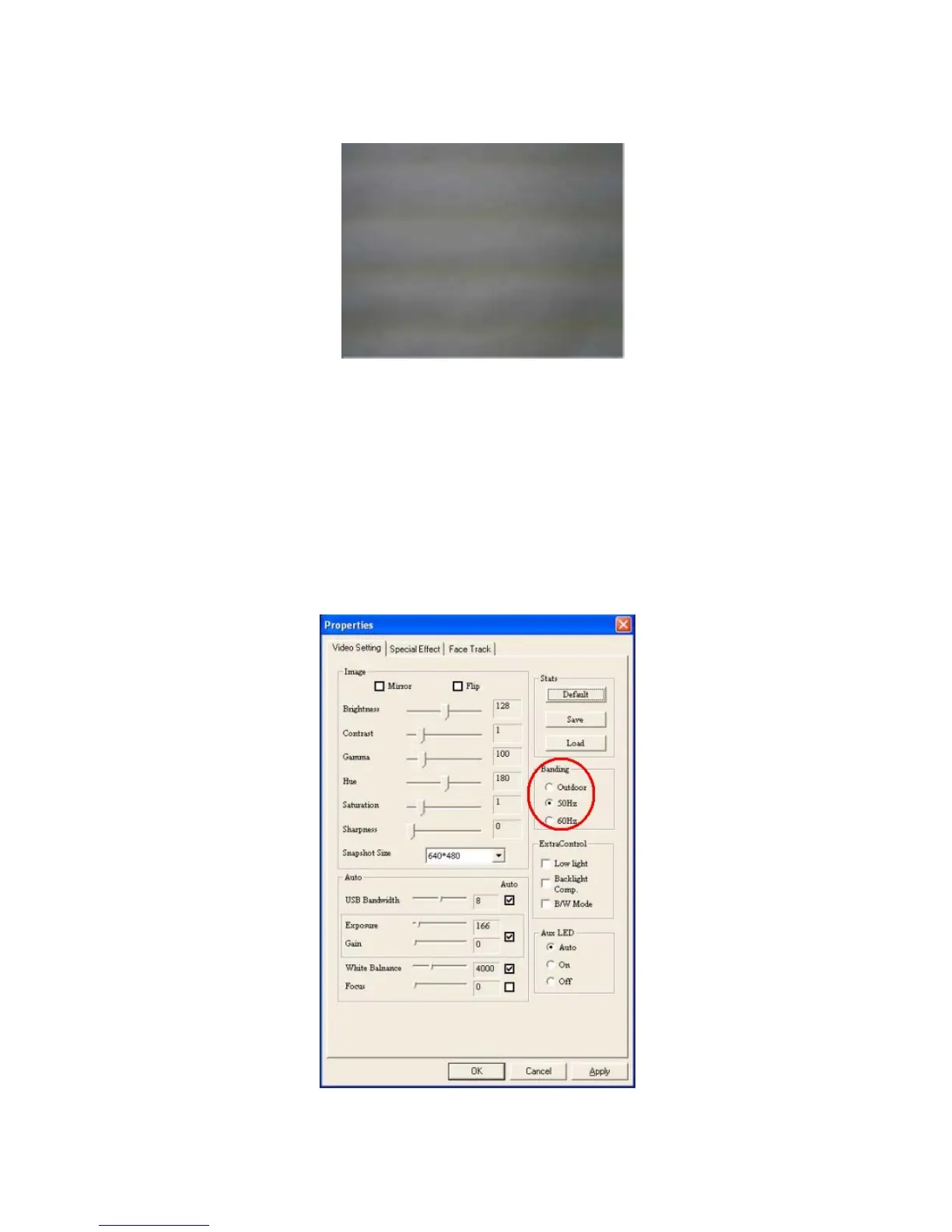
Anti-Flicker Setting
When the flickers, the rolling horizontal (vertical) bands, appear on the screen, change
the power frequency setting.
Set 50Hz or 60Hz according to your region.
50Hz : Europe, Australia, Africa, Asia, China and Japan(East).
60Hz: America, Taiwan, Korea and Japan(West).


 To Next Page