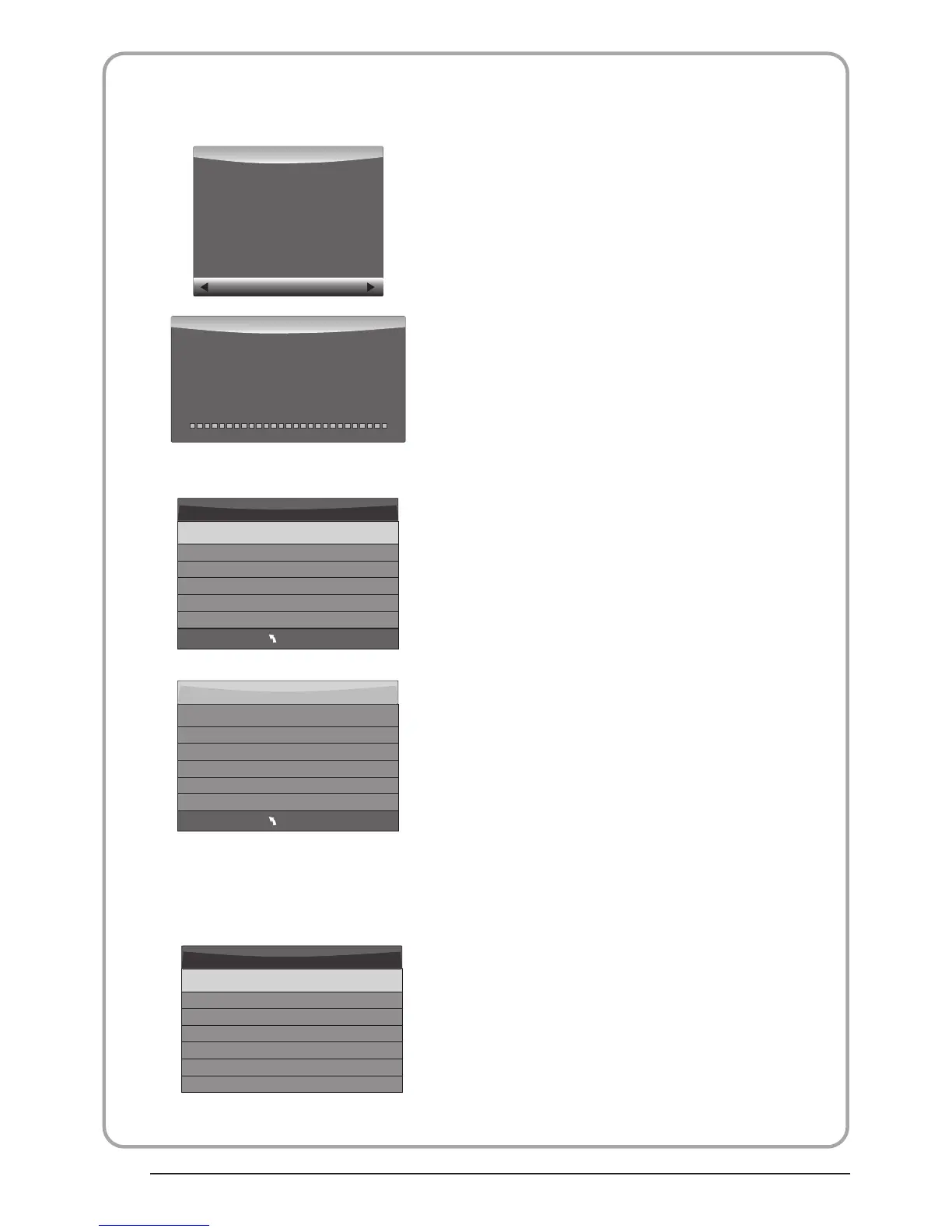
below menu appear after Format finish:
2.Record the program
3.Play the record
(Suggest to format the format the device by
“High Speed Fs...”, which can speed up
the record.)
Warning! All data will be lo st.
Start Exit
Format dis k
Format dis k
MENU
Check PVR File System Checkin g
Free Record Limit 6 Hr.
Select Dis k C:
USB Disk Pass
Format Pass
Tim e Shift Siz e All
Speed Checking
MENU
Check PVR File System SUCCESS
Free Record Limit 6 Hr.
Select Dis k C:
USB Disk Pass
Format Pass
Tim e Shift Siz e All
Speed HD support 2048 KB/s
If you select the “Hi Speed FS ”format mode,
then you can change the time shift size:
Tim e Shift Siz e
Tim e Shift Dis k Siz e 512 MB
SB 14 Mins
HD 4 Mins
Do not unplu g USB device.
Formatt in g,ple ase wait
Format dis k
As playing the DTV source, choose the
channel and click “record”, the record
frame will pop up. Click “record” again,
the record frame will disappear and the
“REC” icon still on the left top. It will
disappear until you click “stop”.
In “USB”, the record program will be
saved in the folder “_MSTPVR” on the
device.
1. The USB storage size needs to be the
size between 4GB to 500GB.
2. Video may become pixelated when Video
bit rate is too low.
3. Not all USB devices are compatible.
Below is a list of recommended USB
drvies.Models that are not listed may be
compatible, but it is not guaranteed to work.
The USB support list are the same as
Timeshift function ,see page 21
P.19
BUSH|Full HD 1080p LED LCD TV | User Manual | Helpline:0845 604 0105



 To Next Page