15
Presets: FM mode
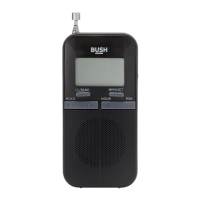
1. Make sure you are in FM mode.
2. When you are listening the FM station you
would like to preset, press and hold the
“PRESET” button for 3 seconds, a list with
heading “MEMORY” will show on the display,
you will see vacant 1, vacant 2...etc in the list.
Select vacant station by scrolling up and down
the “SCAN” Scrolling Wheel button and then
press the “SCAN” Scrolling Wheel button to
confirm.
(If the preset space is occupied, the original
preset station will be overwritten.)



 To Next Page