EasyManua.ls Logo

Bush BR10DAB - User Manual

Bush BR10DAB
24 pages
Print Icon
To Next Page IconTo Next Page
Loading...
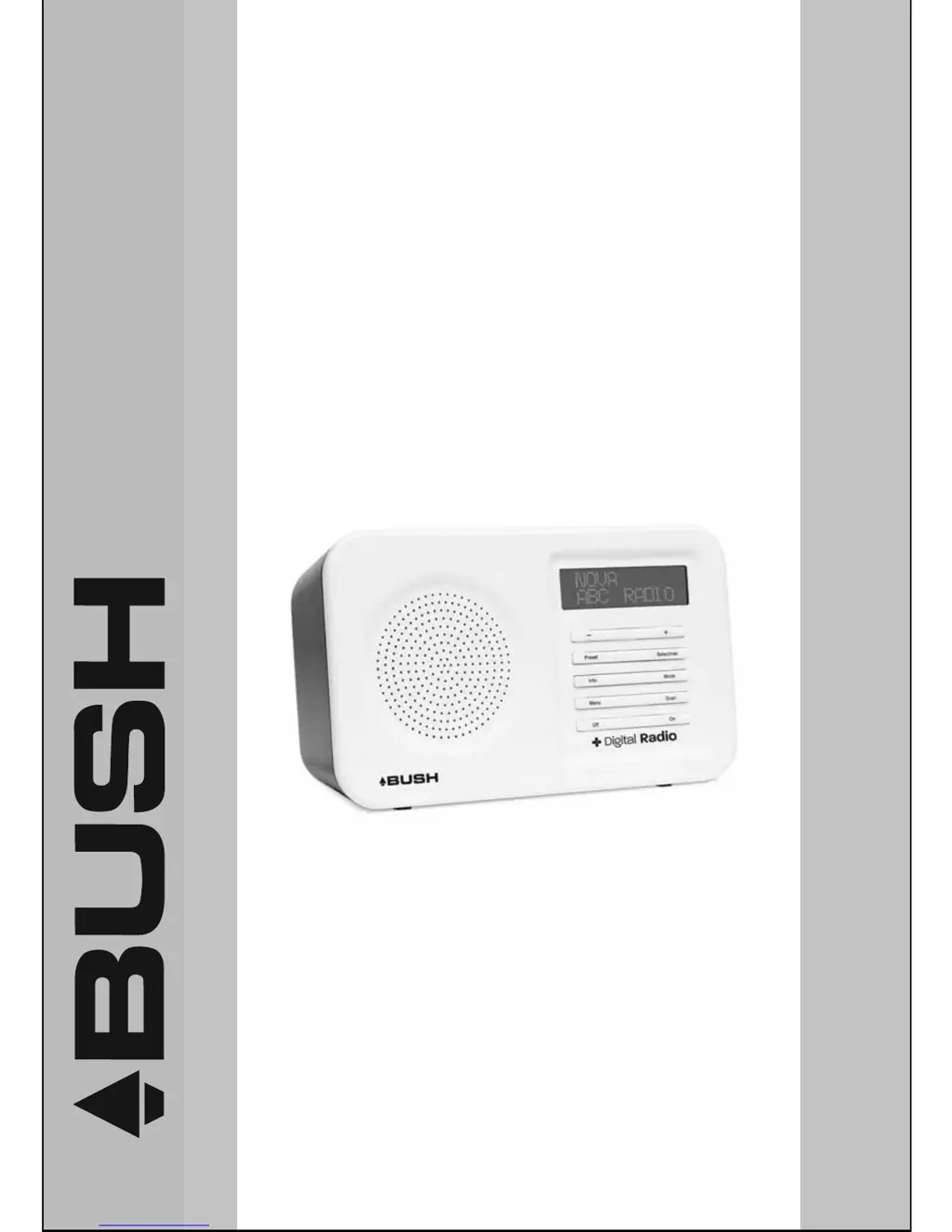
DAB+ FM DIGITAL RADIO
INSTRUCTION MANUAL
BR10DAB
The Gold Technical Support Line: 1902 215 259
www.bushaustralia.com.au
Personal Product Support
(Charges will apply at $2.95 per minute)

Questions and Answers

  • M
    Michele DelacruzJul 31, 2025
    Why is there no sound coming from my Bush BR10DAB Radio?
    • M
      Megan RichardsonJul 31, 2025
      If there's no sound from your Bush Radio, there could be a few reasons. First, check the volume level and adjust it if necessary. Also, make sure headphones aren't plugged in, as this will silence the speakers. Finally, ensure the main lead is correctly connected to the power source.
  • S
    Shelley RobbinsAug 9, 2025
    What to do if my Bush BR10DAB Radio has poor reception?
    • M
      Matthew DuncanAug 9, 2025
      If your Bush Radio has poor reception, try these steps: * Adjust the aerial for better reception. For a wire antenna, straighten it. * Move the radio away from other electrical equipment like TVs, computers, and fluorescent lamps, which can cause interference.
  • M
    markjacksonSep 10, 2025
    How to fix a Bush Radio that doesn't respond to any button presses?
    • M
      Mandy LewisSep 12, 2025
      If your Bush Radio isn't responding to any button presses, it might be due to electrostatic discharge. To resolve this, turn off the unit, disconnect it from the mains, and then reconnect it after a few seconds.

Summary

Introduction

Safety is important

Your safety and the safety of others is important. Please read safety instructions before operating.

Warranty

Contact the free phone number to discuss problems with qualified service engineers.

Safety Instructions

Safety Considerations

Guidelines for safe operation, placement, and usage to prevent hazards like overheating or damage.

Getting Started

Positioning your DAB Radio

Place the DAB Receiver on a flat surface, avoiding direct sunlight, heat, humidity, and dust.

Adjusting the Rod Antenna

Extend the aerial for good DAB and FM reception and adjust position for best signal.

Operation the Unit

Adjusting the Volume

Use the -/+ buttons to increase/decrease volume. Use SELECT/NAV to exit list navigation before adjusting volume.

Battery Operation

Using DAB Radio

Switching On for the first time

Connect power, press ON. DAB mode is automatic. A scan progresses with a bar graph and station count.

Changing DAB Stations

Use MODE to select DAB. Use SELECT/NAV and -/+ buttons to browse and confirm stations.

Using DAB Radio -Continued

Scanning for DAB Stations

Initiate local (15s) or full (60s) scans for new stations by pressing the SCAN button.

Storing DAB Presets

Tune to a station, press PRESET, select position with -/+, and hold SELECT/NAV to save.

Trouble Shooting; Technical Specification

Trouble Shooting

Check common problems like no sound, unresponsive buttons, or poor reception before contacting service.

Warranty

Bush BR10DAB Specifications

General IconGeneral
DAB+Yes
FMYes
Presets20
DisplayLCD
Power SourceMains or Battery
Headphone SocketYes
Headphone Jack3.5mm
Weight0.6kg
Speakers1
TypePortable Radio
Battery Type4 x AA
TuningDigital

Related product manuals