BR10DAB
13
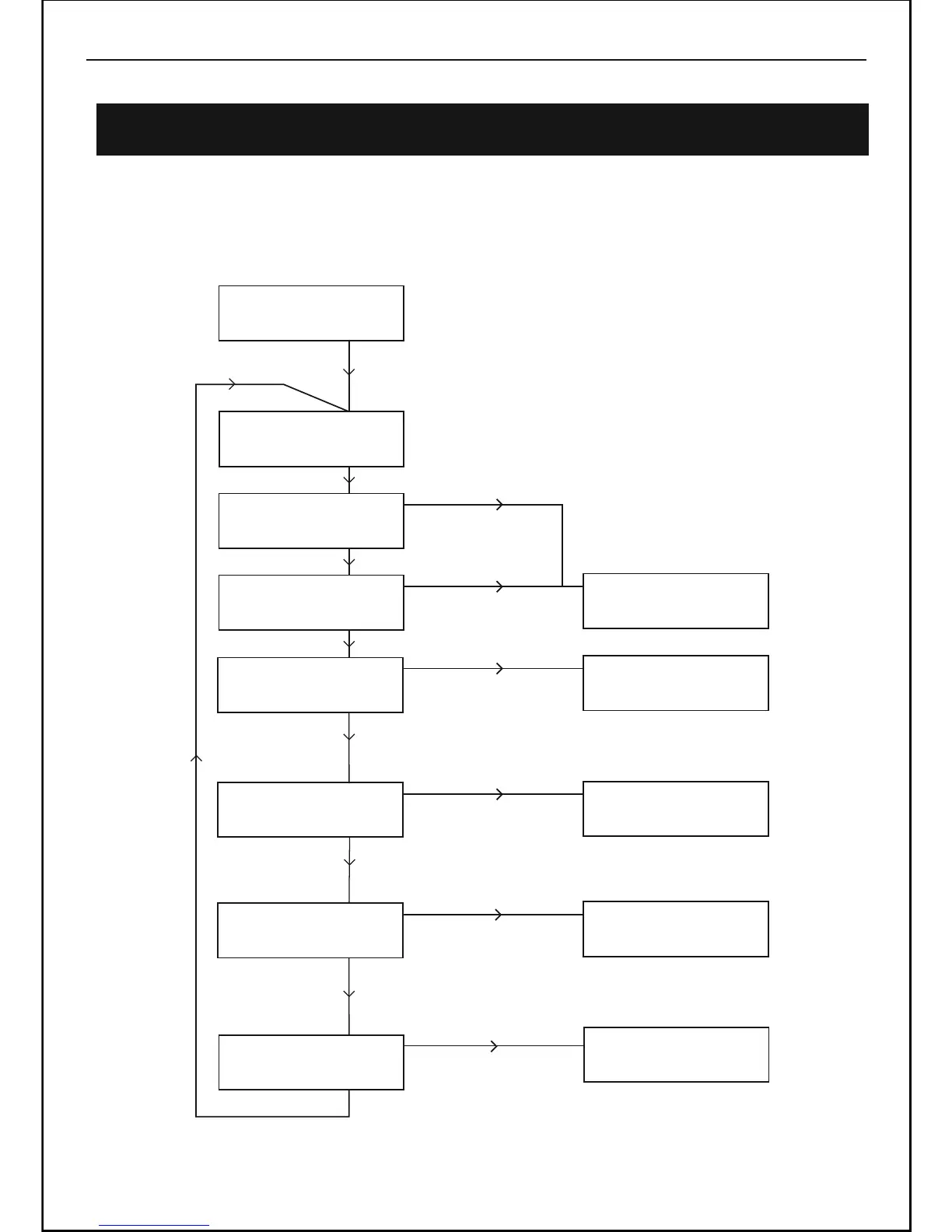
Using the MENU Control (DAB mode)
The MENU control allows you to change some of the system options on your DAD
Receiver . These options are arranged in a menu structure as shown below.
Using DAB Radio -Continued
ABC Radio
RadioText
<Local scan >
<Station list >
<Manual tune >
<DRC >
<Full scan >
<Station order >
<Main menu >
Press MENU Button
Press + Button
Press + Button
Press + Button
Press + Button
Press + Button
Press + Button
DAB
DAB
DAB
Press SELECT/NAV Button
Press + Button
Return to Station list
DAB
DAB
DAB
DAB
Press SELECT/NAV Button
Press SELECT/NAV Button
Press SELECT/NAV Button
Press SELECT/NAV Button
Press SELECT/NAV Button
Scanning 0
Manual tune
<5A 174.928MHz>
Press +/- Button to choose radio
frequency, press SELECT Button
to confirm.
Station order *
<Alphanumeric >
Press +/- Button to choose
“Station order” alphanumeric/
Ensemble / Valid, press select
button to confirm
DAB
<DRC off >
Press +/- Button to choose DRC
off / high /low, press select button
to confirm
Main menu
<DAB >
Press +/- Button to choose
“Main menu” DAB / FM / System
setup / info , press SELECT button
to confirm



 To Next Page