EasyManua.ls Logo

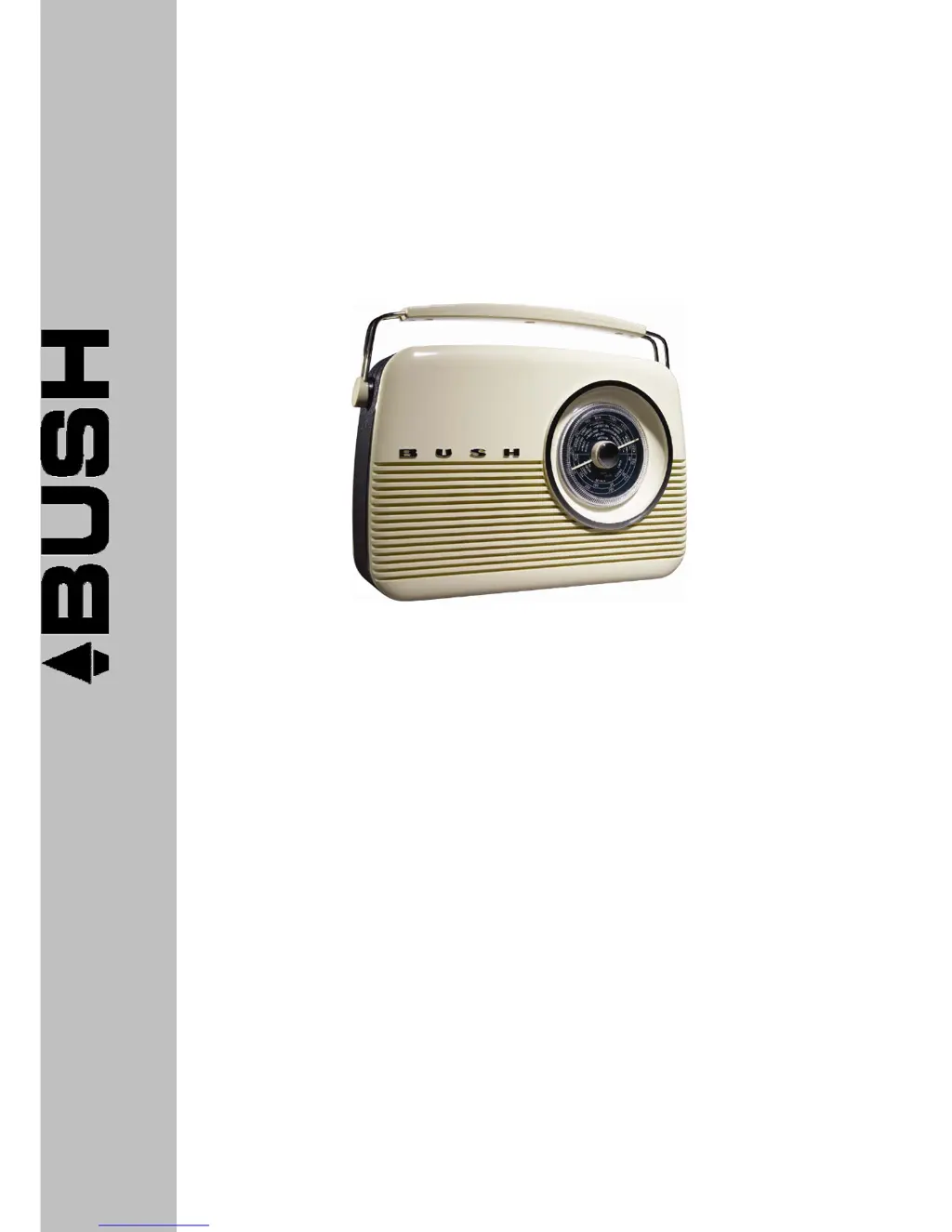
Bush TR82DAB - User Manual

Bush TR82DAB
16 pages
Print Icon
To Next Page IconTo Next Page
Loading...
DAB+/FM/AMDigitalRadio
TR82DAB
InstructionBook
Toll Free Warranty and Service: 1800 509 394
The Gold Technical Support Line: 1902 215 259
(Charges will apply at $2.95 per minute for gold technical support only)

Questions and Answers

  • D
    David TaylorJul 31, 2025
    What to do if there is no sound on my Bush Radio?
    • M
      Marissa JohnsonJul 31, 2025
      If there's no sound coming from your Bush Radio, first, make sure that headphones are not connected. Then, check the volume level and adjust it if necessary. Also, ensure that the power cord is properly and firmly connected.
  • S
    Sandra ByrdAug 7, 2025
    What to do if my Bush TR82DAB Radio has no sound?
    • D
      Dennis MarquezAug 7, 2025
      If your Bush Radio has no sound, it might be due to several reasons: 1. Headphones are connected. Disconnect them from the unit. 2. The volume is set too low. Adjust the volume level. 3. The power cord isn't properly connected. Reconnect it firmly.
  • E
    Elizabeth HorneAug 14, 2025
    Why does my Bush TR82DAB have poor reception?
    • A
      Angela DukeAug 15, 2025
      If your Bush Radio has poor reception, reposition the aerial and the unit to find the best possible reception. Make sure the aerial is connected properly. Also, keep the unit away from other electrical equipment if possible, as interference can be a factor.
  • H
    Heather HuntAug 22, 2025
    How to fix Bush Radio buttons that are not responding?
    • R
      rharperAug 22, 2025
      If the buttons on your Bush Radio aren't responding, it could be due to electrostatic discharge or interference from other electrical equipment. To resolve this, turn the unit off, disconnect the power cord, wait 5 to 10 seconds, then reconnect the power cord and turn the unit back on.

Summary

Introduction

Safety is Important

Emphasizes the critical nature of user safety and the need to read instructions before operation.

Safety Instructions

Safety Considerations

Details precautions for cable placement, environmental conditions, and preventing damage or overheating.

Controls and Outputs

Button and Socket Descriptions

Lists and describes the various buttons, sockets, and features of the radio unit.

Top Control Panel

Details the functions of buttons located on the top control panel of the radio.

Getting Started

Radio Placement and Antenna

Offers guidance on ideal placement and antenna adjustment for optimal radio reception.

Turning on your DAB+ Radio

Scanning and Storing Stations

Station Presets

Details on how to set and access up to 10 favourite stations using preset buttons.

Preset Station Functions

Playing a Preset Station

How to select and play a previously stored preset station.

DAB+ Menu Options

Using the MW;LW;FM Radio

Troubleshooting and Specs

Troubleshooting Common Issues

Lists common problems like 'No Sound' or 'Poor Reception' with possible causes and solutions.

Warranty

Warranty Terms and Conditions

Outlines the warranty period, coverage exclusions, and conditions for validity.

Bush TR82DAB Specifications

General IconGeneral
ModelTR82DAB
DAB+Yes
FMYes
Presets20
DisplayLCD
Headphone Socket3.5mm
Headphone JackYes
Weight1.2 kg
TypeDAB Radio
Power SourceMains or Battery
Battery TypeAA

Related product manuals