8
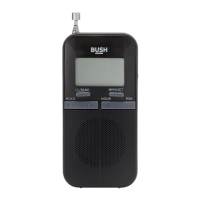
3. The display will show the BUSH logo and then
enter DAB mode (FM mode if you selected FM
before turning off), “DAB” logo will be shown
on the middle top of the display in DAB mode
whereas “FM” logo will be shown in FM
mode.
4. Adjust the volume to comfortable level
(Volume Level: 0-20).
DAB+/FM Band Select:
1. Press “POWER/MODE” button to select DAB+
or FM mode, you will see the icon “DAB” or
“FM” on middle top of the display.



 To Next Page