3
Click to Return to the Table of Contents
INTRODUCTION
Congratulations on purchasing the Bushnell® Wingman View Bluetooth® Speaker with Audible GPS. The Wingman View is
a rugged, high-quality wireless speaker designed to entertain the avid golfer while keeping them informed on the course
when linked with the Bushnell Golf Mobile App. This owner’s guide will help you achieve optimum satisfaction with the
product by explaining its features and operation and how to care for it. Please read these instructions before using your
Wingman View to ensure the best performance and longevity.
5
4
3
2
1
8
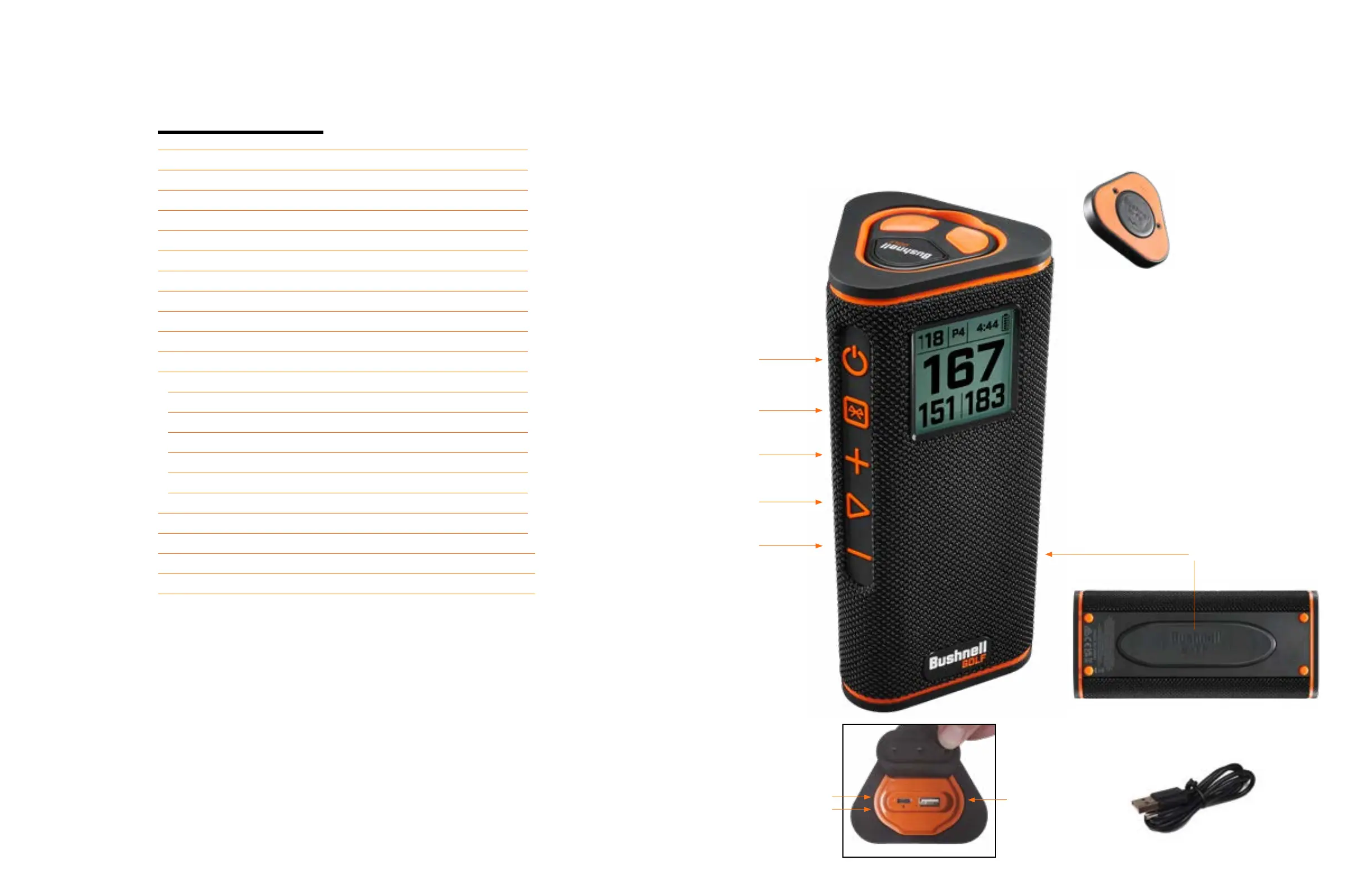
The back of the Remote Control has a
BITE magnet to afx to the speaker or
cart bar.
* remote replacement part# 362220
7
6
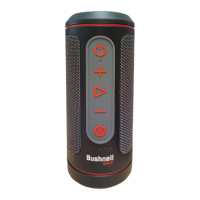
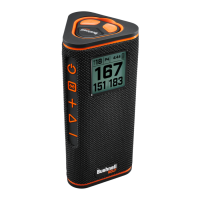
PARTS GUIDE
1. Remote Control with BITE Magnet
2. Power Button
3. Bluetooth
4. Volume Up
5. Play
6. Volume Down
7. BITE Magnet
8. Charge In USB-C
9. Charge Out USB-A
10. Reset Hole
11. USB Charging Cable
11
9
10
TABLE OF CONTENTS
PARTS GUIDE 3
CONNECTING TO BUSHNELL GOLF MOBILE APP 4
CONNECT WINGMAN VIEW TO YOUR PHONE 4
POWER UP & BLUETOOTH™ SPEAKER OPERATION 4
WINGMAN VIEW REMOTE FUNCTIONS - MUSIC MODE 5
TWS CONNECTION (STEREO) OPERATION 5
INDOOR/OUTDOOR EQ MODE 5
PLAY GOLF MODE - USING THE GPS RANGEFINDER 5
HOME SCREEN DISPLAY 5
PLAY GOLF MODE BUTTON OPERATION 6
WINGMAN VIEW REMOTE FUNCTIONS - GOLF MODE 6
BUSHNELL GOLF MOBILE APP FUNCTIONS 6
DEVICE FUNCTIONS 6
SETTINGS 7
SOUND BITES 7
PLAY NOW - ROUND SETUP 8
FIRST TEE INTRODUCTION SETUP 8
FIRST TEE INTRODUCTION & CUSTOM SOUND BITES IN ROUND 9
BITE MAGNETIC MOUNT 9
CLEANING AND GENERAL CARE 9
TROUBLESHOOTING 10
HAZARD GLOSSARY 10
TECHNICAL SPECIFICATIONS 10
Click on each topic in the Table of Contents to go directly to it.


 To Next Page