10 11
LCD Screen Back Light
Every time the Power/+/-/MENU button is activated (except Talk and
Call button), the LCD Screen back light will illuminate for 6 seconds.
Microphone/Earphone/Charge Jack
Your radio is equipped with an auxilliary microphone, earphone and charge
jack located at the opposite top side of the radio.
Turning the Unit ON/OFF
To Turn ON: Press & hold Power button for 3 seconds until the LCD
screen turns ON and displays the current channel.
To switch OFF: Press and hold Power button for 3 seconds until the
LCD screen turns blank.
Battery life
Your radio has a built-in power saver to make the batteries last longer. But
when you are not using the units, turn them OFF to conserve battery power.
Operation - Using Your Radio
Communicating with Another Person
Listening for a Response
Release the Talk button to receive incoming transmissions. Your radio is
always in Standby mode while the Talk or Call buttons are not pressed.
To Adjust Volume
In Standby mode, press the + or - button.
A triple beep sound is used to indicate the minimum and maximum volume
levels (1 through 8).
NOTE:
• Do not hold the radio close to your ear. If the volume is set to an
uncomfortable level, it could hurt your ear.
• Keeps your headphone audio at a comfortable level to avoid damage your
ear.
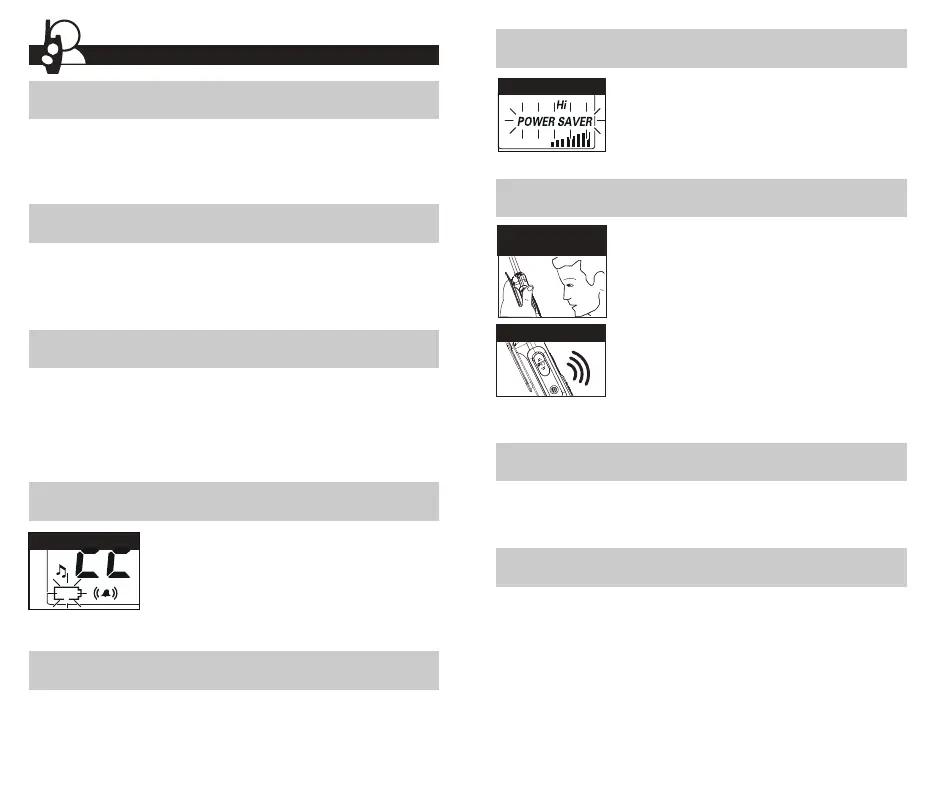
Auto Battery Save
Battery Low
Battery Save Mode
Two Inches
from Mouth
Listening
1. Press and hold the Talk button.
2. With the microphone about 2 inches (5 cm)
from your mouth,speak in a normal voice.
3. Release the Talk button when you are
finished talking and listen for a response.
NOTE:
• You cannot receive incoming calls while pressing
the Talk button.
• Both radios must be tuned to the same channel/
privacy code to communicate.
Battery Low
If there are no transmissions within 10 seconds, the
radio will automatically switch to Battery Save mode
and the Power Saver icon will flash in the display.
This will not affect the radio’s ability to receive
incoming transmissions.
When battery power is low, the Battery Low icon will
blink and an audible tone will sound twice before the
radio shuts off. Your batteries need to be recharged.
The radio will display flashing battery icon while



 To Next Page