14
Using the Sync Application to Download CoursesUsing the Sync Application to Download Courses
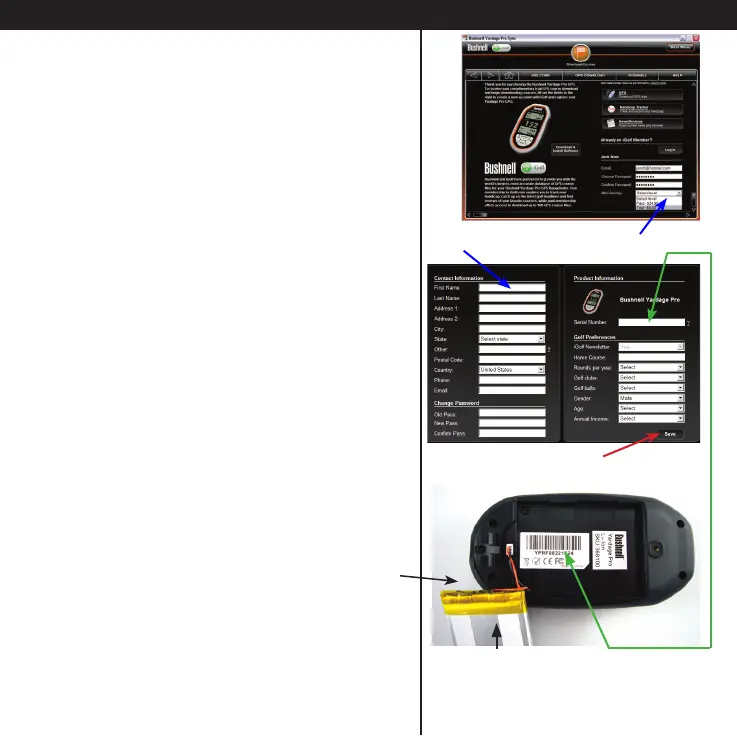
• This will open a webpage that lets you set
up a membership to iGolf.com, which will
allow you to access their extensive database
of GPS les for thousands of golf courses
throughout the world. Fill in your email,
choose and verify a password, and select a
membership level.
If you wish, you may initially choose a “free
trial” membership which allows downloading
the data for one golf course, allowing you
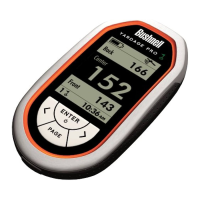
a chance to try out your Yardage Pro on
a favorite course before paying for the
membership (required for full functionality*).
• Next, enter your contact information. To
complete the registration process, you will
need to enter the serial number of your
Yardage Pro unit.
This can be found inside the battery
compartment, underneath the rechargeable
battery pack. Carefully lift aside the battery
pack (do not disconnect it) and write down
the serial # for future reference (the serial
number starts with “YP....”).
• Click Save when you have nished.
*Free trial course data expires after 45 days,
and will not be usable after that time.
Serial Number
Battery Pack





 To Next Page