17
Using the Sync Application to Download Courses
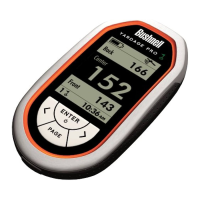
Transfer the Course Data to the YP GPS Unit
Now that you’re done saving the course le to
your computer, you’re ready to transfer a copy
of it to your Yardage Pro GPS unit. The original
le will still be safely stored on your PC, along
with any other courses you download from
iGolf.com in the future. The YP unit will hold
data for 10 courses at a time. You will use the
Sync application to send the course data to
your YP GPS unit.
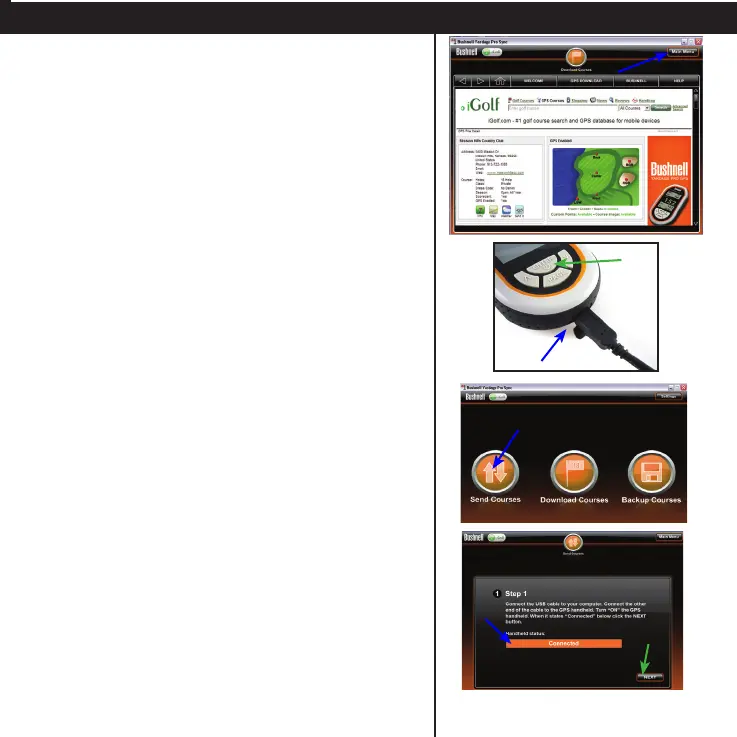
• Click Main Menu to return to the Sync app
screen.
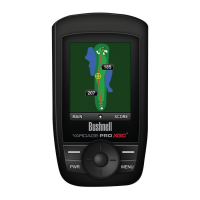
• Connect your Yardage Pro GPS unit to a USB
port on your computer, using the supplied
USB cable. Press and hold the Enter key on the
YP unit for 2 seconds to turn it on.
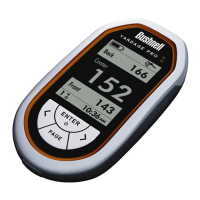
• On the Sync application menu screen, click
Send Courses.
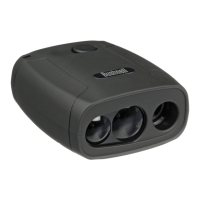
• You should see the “Step 1” screen, and
the Handheld status bar should indicate
“Connected”.
If so, click NEXT.
If not, check and make sure that the USB cable
is securely connected to both the YP GPS unit
and your PC, and that the unit is powered on.





 To Next Page