13
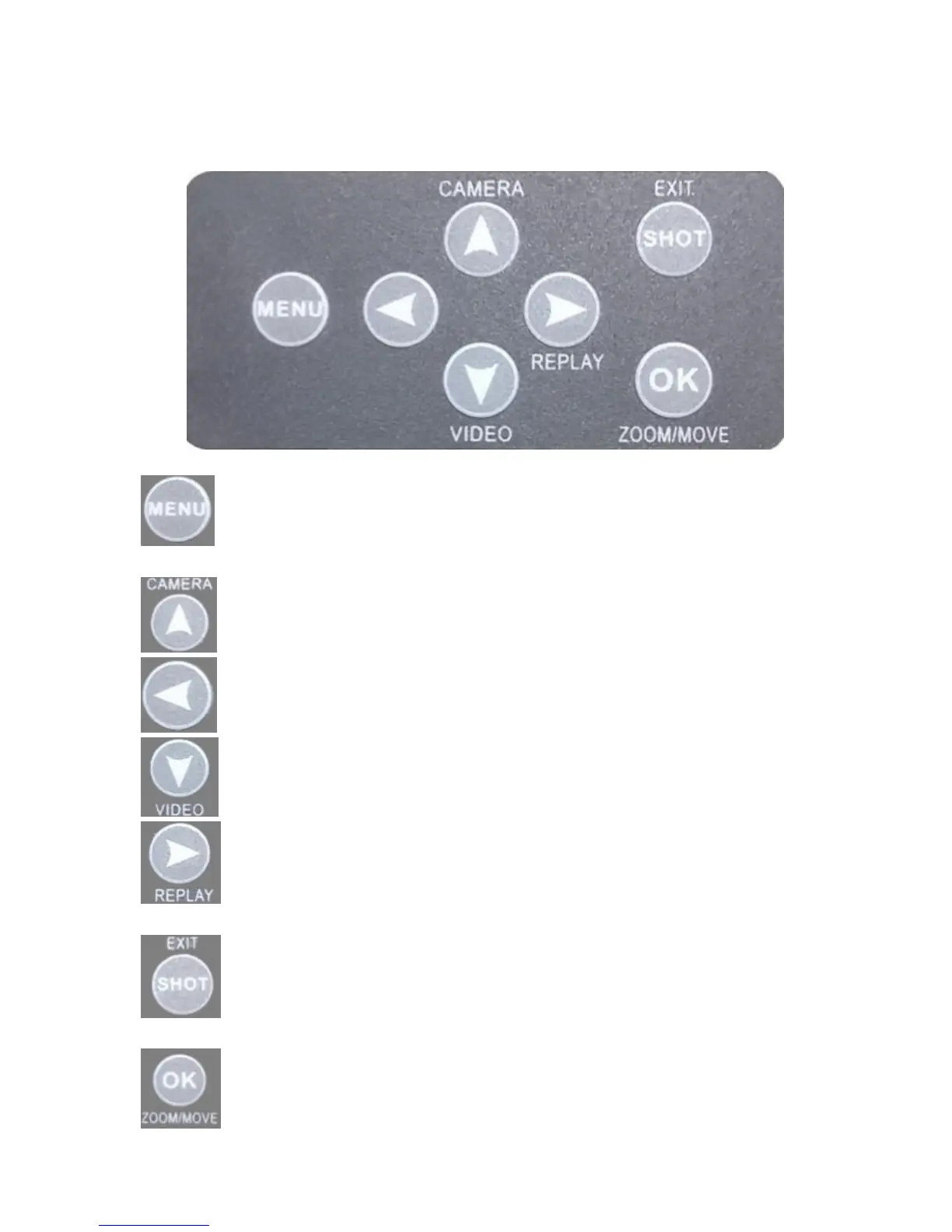
3 Keypad Learning
3.1 Keypad
: MENU button, press it to set parameters; Switch among
“IMAGE/SET/SYSTEM”; Press “EXIT” button to exit.
: Up, Quick switch to camera mode.
: Left, Check the previous one (only available on Replay mode).
: Down, Quick switch to Video mode.
: Right, Replay mode, Check the next one (only available on
Replay mode).
: Manually take photos or videos (only available on Test mode),
EXIT.
: Confirm, ZOOM/MOVE.


 To Next Page