Broadcastvision Entertainment
Toll Free: 888-330-4BVE(4283) www.broadcastvision.com
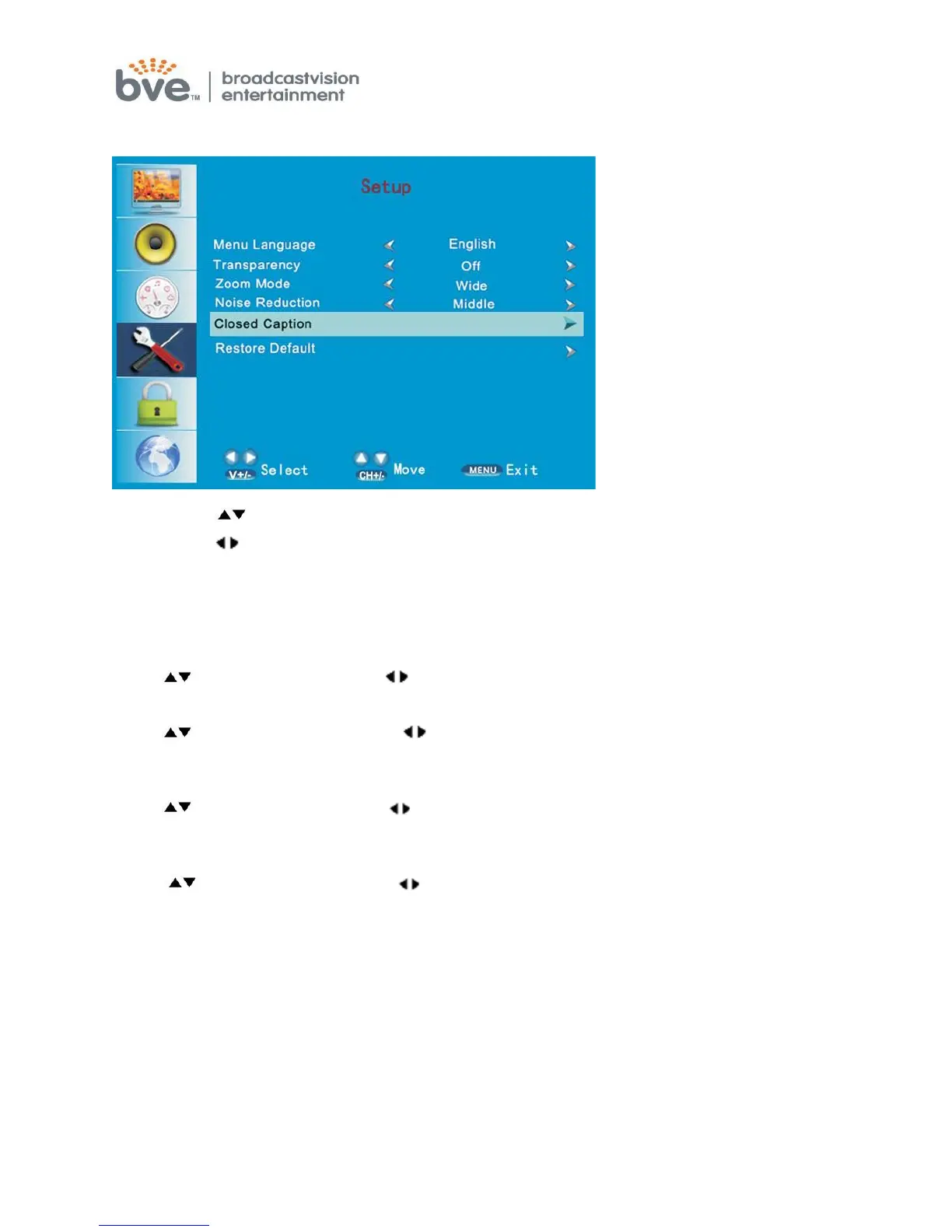
SETUP MENU
1. Press the button to move the cursor to the item to be selected.
2. Press the buttons to make adjustments.
3. When you are satisfied with your adjustments, press the MENU button to exit the
main menu.
Menu Language
Press buttons and then use buttons to select English/French/Spanish.
Transparency
Press buttons and then use buttons to select 0%/25%/50%/75%/100% of
transparency degree.
Zoom mode:
Press buttons and then use buttons
to select normal/wide/zoom/cinema
mode.
Noise reduction:
Press buttons and then use buttons
to select off/weak/middle/strong/auto.



 To Next Page