EN
49
Date of installation: ..... / ..... / .......... Service technician:
Customer:
Model / serial number:
Observe: The settings 1-3 may be changed by the customer & the settings 4-9 only by an authorized service technician.
Parameter: Value set at installation: Description:
DATE: [Day / month / year] Current date
TIME: [Hours : minutes] Current time
LANGUAGE: Language selection Active language: English
Start- / stop pressure setting: bar Pressure tank „YES“: switch-off point 2-4 bar;
(PRESSURE TANK OPERATION) Switch 0.3-1.6 bar and below the switch-off point;
Pressure tank „NO“: with switch-off point 2 bar
STOP PRESSURE: bar Online: P
max
= 4.0 bar, Offline: P
max
= 2.0 bar
Membrane flushing (FLUSH TIME): Seconds 0 ... 60s (default setting 15s)
CONDUCTIVITY LIMIT: μS/cm Default setting: 200 μS/cm
CONDUCTIVITY ALARM: Deactivated /ENABLE Default setting: “ENABLE“
MAX PUMP PRESSURE: internal: 8 ... 13 bar Default setting: 9 bar
Setting of blending e.g.: steamer 70μS Factory setting: no blending
Actual software version: FOR BWT SERVICE
Only for BWT Service technicians
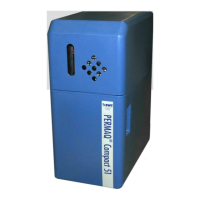
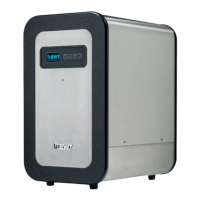
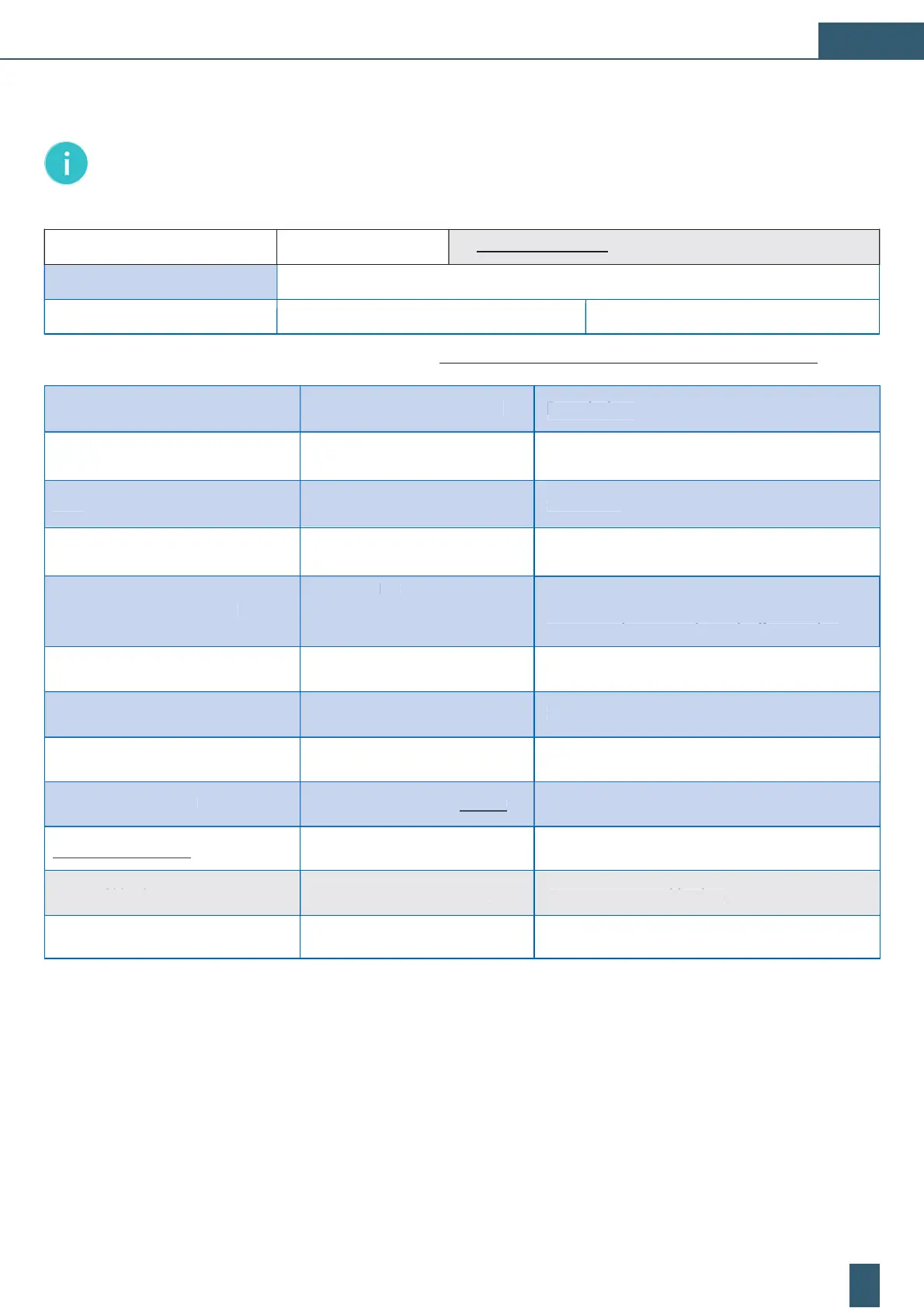
7.1 Form for set values of BWT PERMAQ
®
compact 2 - 6
Note: Please copy a blank page of these form. Then fill out the following table at every initial and further installation and
archive the data-sheet.
Descr
pt
on
arameter:
Va
ue set at insta
ation:
urrent tim
TI
E
Hours : minutes
ressure tank „YES“: switch-o
point 2-4 bar;
witch 0.3-1.6 bar and below the switch-off point;
ressure tank „NO“: with switch-o
point 2 ba
Start- / stop pressure setting
PRESSURE TANK OPERATION
... 60s (default setting 15s
Membrane flushing (FLUSH TIME)
econd
actory setting: no
en
in
Setting of blending e.g.: steamer 70
e
ault setting: “ENABLE“
DU
TIVITY
L
R
Deactivate
E
BLE


 To Next Page
 Loading...