EasyManua.ls Logo

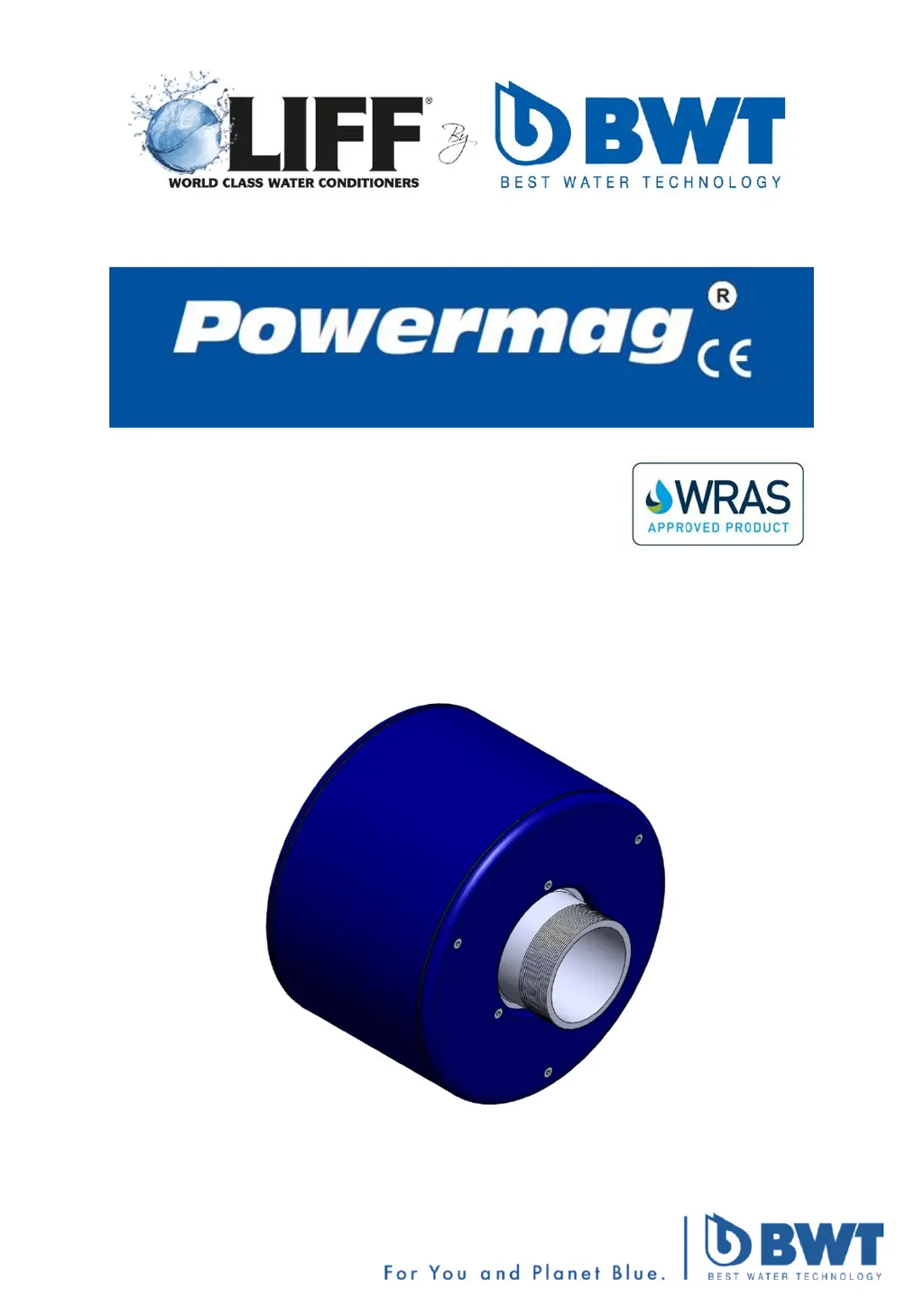
BWT Liff Powermag PM100S - User Manual

BWT Liff Powermag PM100S
11 pages
Print Icon
To Next Page IconTo Next Page
Loading...
Installation & Operating
Instruction Manual

Questions and Answers

  • D
    David PorterAug 4, 2025
    What to do if the BWT Liff Powermag PM100S panel temperature is high?
    • R
      rachel57Aug 4, 2025
      If the panel temperature is high, the cause may be loose connections on the power circuit. Check all connections and secure any that are loose.
  • M
    Morgan KingAug 9, 2025
    Why is the BWT Liff Powermag PM100S Water Filtration Systems coil remaining inactive?
    • S
      Samuel GarciaAug 10, 2025
      The coil may remain inactive due to several reasons: the supply water flow may have stopped (check water supply flow), or the water temperature may be above the set point of the thermistor (do not use thermistor for hot water). Also, adjust the thermistor to suit the application using the dial on the rear of the Control PCB Display.
  • S
    Stephanie MonroeAug 16, 2025
    What to do if the BWT Water Filtration Systems mains MCB is tripping?
    • K
      kellymillerAug 16, 2025
      If the mains MCB is tripping, it could be due to a fault on the transformer. Test the transformer and replace it if necessary.
  • X
    xlopezAug 21, 2025
    What to do if the BWT Liff Powermag PM100S coil DC supply MCB is tripping?
    • M
      martindianeAug 22, 2025
      If the coil DC supply MCB is tripping, this may indicate a fault on the coil. Test the coil and replace if necessary.
  • M
    Mindy RussellAug 28, 2025
    What to do if fault monitoring contacts remain closed in BWT Liff Powermag PM100S Water Filtration Systems?
    • A
      Amanda HebertAug 29, 2025
      If the fault monitoring contacts remain closed, it may be due to a loss of power to the panel. Check the power supply and the MCB status.

Summary

General Notes

Installation Guide

Recommended Installation Positions

Details the optimal positions for installing Powermag units, including gravity feed and booster pump configurations.

LCD Display Key

Electrical System Notes

Electrical Component Identification

Identifies and labels the primary electrical components within the control panel, such as PCBs, transformer, and MCBs.

Connection Terminal Layout

Troubleshooting Guide

Spare Parts List

Product Specifications

Mechanical Specifications

Details the physical dimensions, weight, flow rates, and operating limits of the Powermag units.

Electrical Specifications

Lists transformer voltage, MCB ratings, and power consumption for the Powermag system.

Warranty Information

BWT Liff Powermag PM100S Specifications

General IconGeneral
ModelPM100S
BrandBWT Liff
TechnologyMagnetic
MaterialBrass
Operating Temperature5°C to 30°C
Connection Size1/2 inch

Related product manuals