- 88 -
F3DM Owner’s Manual
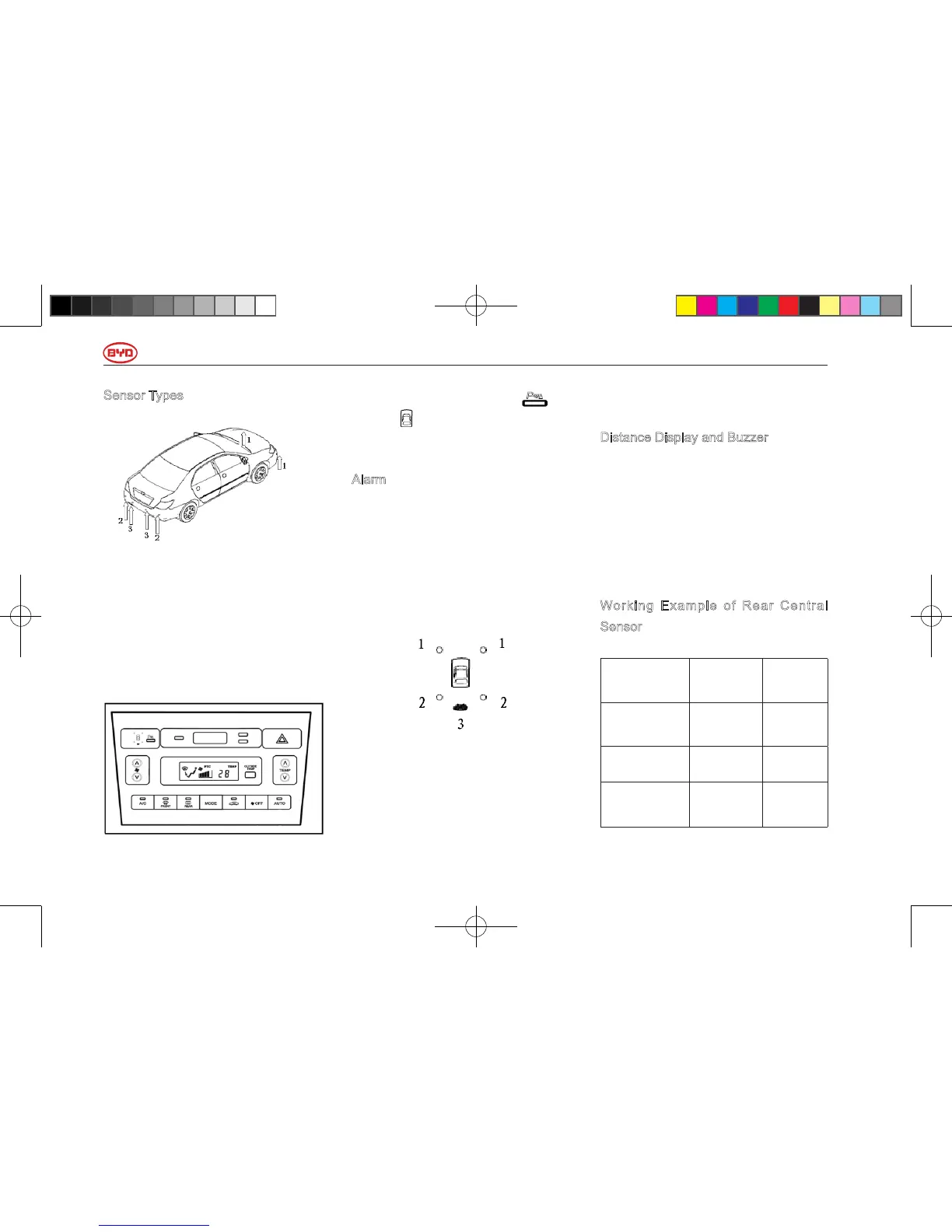
Sensor Types
1. Front Corner Sensor
2. Rear Corner Sensor
3. Rear Central Sensor
Parking Assistance Sensor Switch
When the power supply is at “ON” and
the switch turns on, the system enters
working status.
When pressing the switch , the
button ( ) will light up to remind the
drivers that the system is working.
Alarm
When any obstacles obstacle are
detected by the sensor, the system
will give off different alarms according
to the shape of the obstacles and the
distance between the vehicle and the
obstacles,
1. Front corner sensor is working
2. Rear corner sensor is working
3. Rear central sensor is working
When any obstacles are detected, the
indicator in corresponding position will
light up.
Distance Display and Buzzer
When any obstacles are detected
by the sensor, the indicator in
corresponding position will flash
according to the distance between
the obstacles and the vehicle with the
buzzer giving off the sound for warning.
Working Example of Rear Central
Sensor
Approximate
Distance
Indicators Alarm
120 to 80
cm
Flash Slow
80 to 50cm Flash Fast
50cm or
shorter
Always
On
Last for
seconds
使用手册小330.indd88 2011-4-1318:36:47



 To Next Page