42
English
15 Calibration and Autodiagnosis
time to allow the optical
components to adjust before
calibrating and using the unit.
You can perform the gloss and
thickness calibration separately.
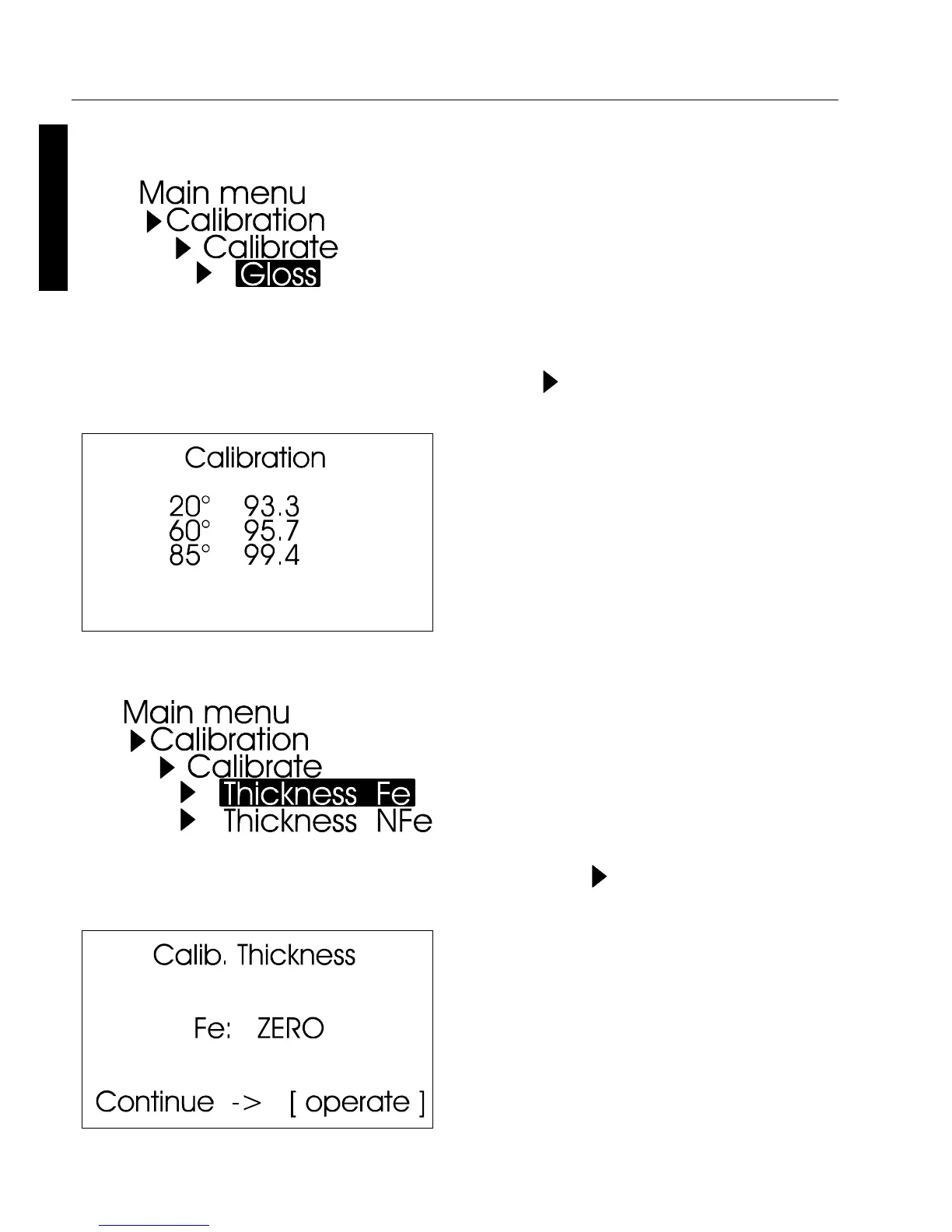
Use the path shown on the left side
to reach the Calibrate menu option.
Gloss
To begin calibration, press the
scroll wheel.
The calibration process is
performed automatically for all
three geometries. The saved
calibration values of the standard
appear in the display.
The unit then returns to the
selection menu Calibration.
You can use the path shown on the
left side to reach the Calibrate
Thickness option.
Thickness
Choose the sensor (Fe, NFe) first.
In the display appears the menu
for the calibration.
Put the instrument on the metal
standard, according to sensor
selection Fe or NFe, and press
operate.



 To Next Page