48
English
16 Setup
You can make general settings in
the Setup menu, for example
Language or Display time.
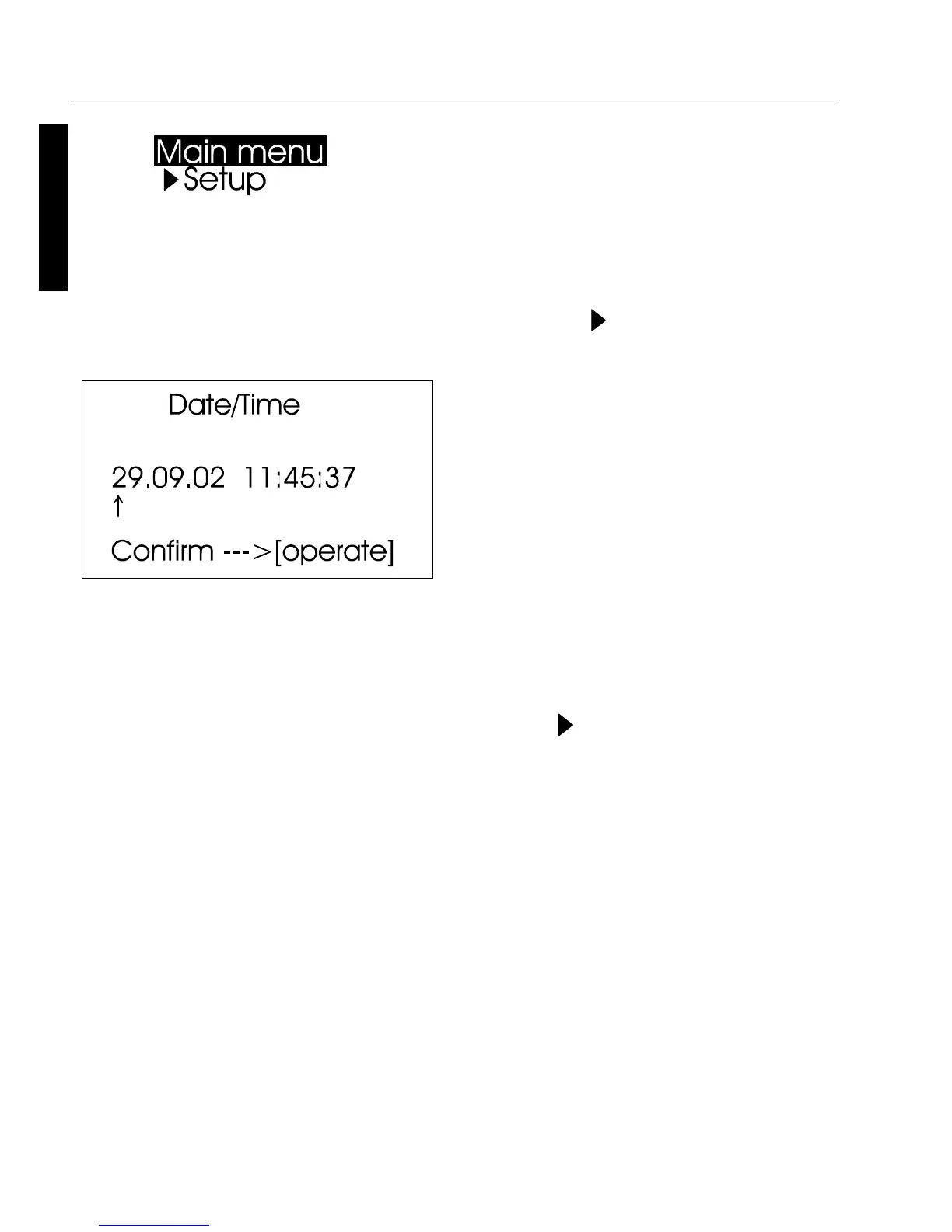
Date/Time
The unit contains an integrated
clock. This makes the date and
time of the measurement available
for data transfer to a PC. The date
and time are not lost even when
the battery is changed. If you
would like to change the time
setting, use the scroll wheel to
move the mark to Date/Time and
then press mode. The display for
setting the date and time appears.
Beeper
You can use this menu option to
turn the beeper on or off. Use the
scroll wheel to move the mark to
Beeper and press the wheel.
When the beeper is turned on, a
check mark appears at the end of
the line.



 To Next Page