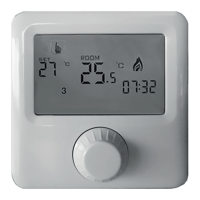
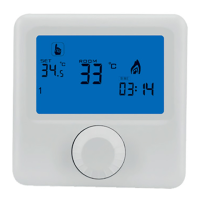
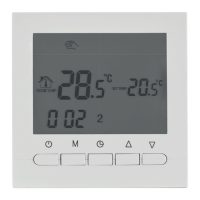
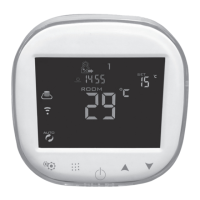
C-LOGIC 400-TC
- 2 -
ÍNDICE
Descripción ......................................................................................................... 3
Datos técnicos .................................................................................................... 3
Características.................................................................................................... 3
Descripción de las teclas .................................................................................... 3
Funciones y símbolos ......................................................................................... 4
Visualización de la pantalla ................................................................................ 4
Ajuste de hora y del programa automático ......................................................... 5
Periodos del programa automático..................................................................... 5
Ajustes avanzados (Sugerencia: operado por un especialista).......................... 6
Diagrama de conexión........................................................................................ 7
Instalación .......................................................................................................... 7
INDEX
Description.......................................................................................................... 9
Technical data..................................................................................................... 9
Features ............................................................................................................. 9
Button description ............................................................................................... 9
Functions and symbols ..................................................................................... 10
Screen display .................................................................................................. 10
Time and automatic program setting .................................................................11
Time interval programming ................................................................................11
Advanced setting (Suggestion: operated by technician) .................................. 12
Connection diagram ......................................................................................... 13
Installation ........................................................................................................ 13


 To Next Page