5–7
Chapter 5: System Setup Screens
5
EA1-TCL-M Hardware User Manual, 1st Ed., 12/09
Setting Menu
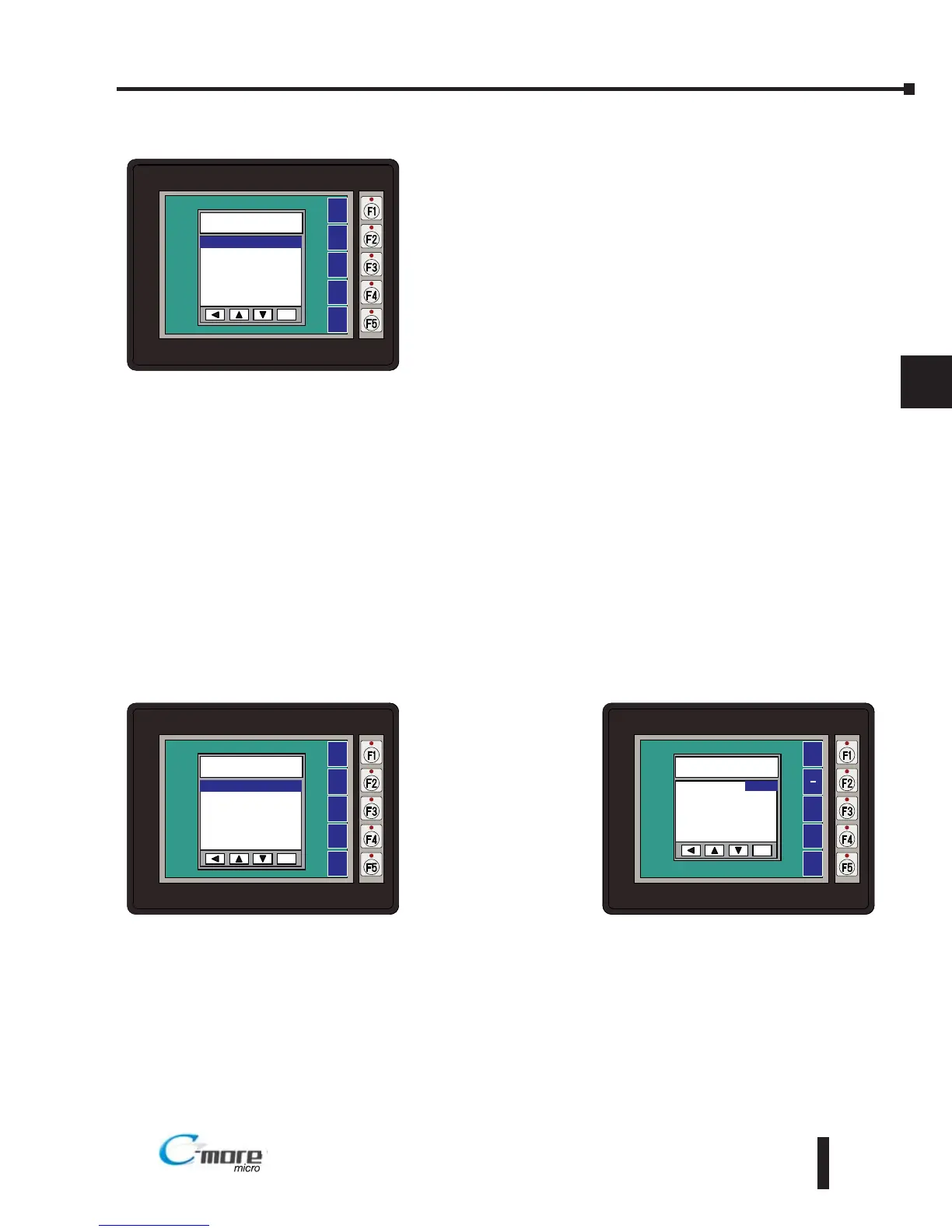
Use the UP [F3] and DWN [F4] function keys to scroll
through the list of settings. The BAK [F1] function key will
return you to the previous screen. Use the ENT [F5]
function key to make your selection once you have the
setting highlighted.
The Setting screen includes the following:
Brightness - page 5-7
Touch/Key Beep – page 5-8
Calibration – page 5-9
Clear User Memory – page 5-10
Reset to Factory Default – page 5-10
Hourglass – page 5-11
Rotation – page 5-12
Setting – Brightness
With Brightness
highlighted, press
ENT [F5] to bring
up the screen
showing the current
value. The default is
10. The contrast can
be adjusted between
1 and 16, with 1
being the least
contrast and 16
being the greatest.


 To Next Page