EasyManua.ls Logo

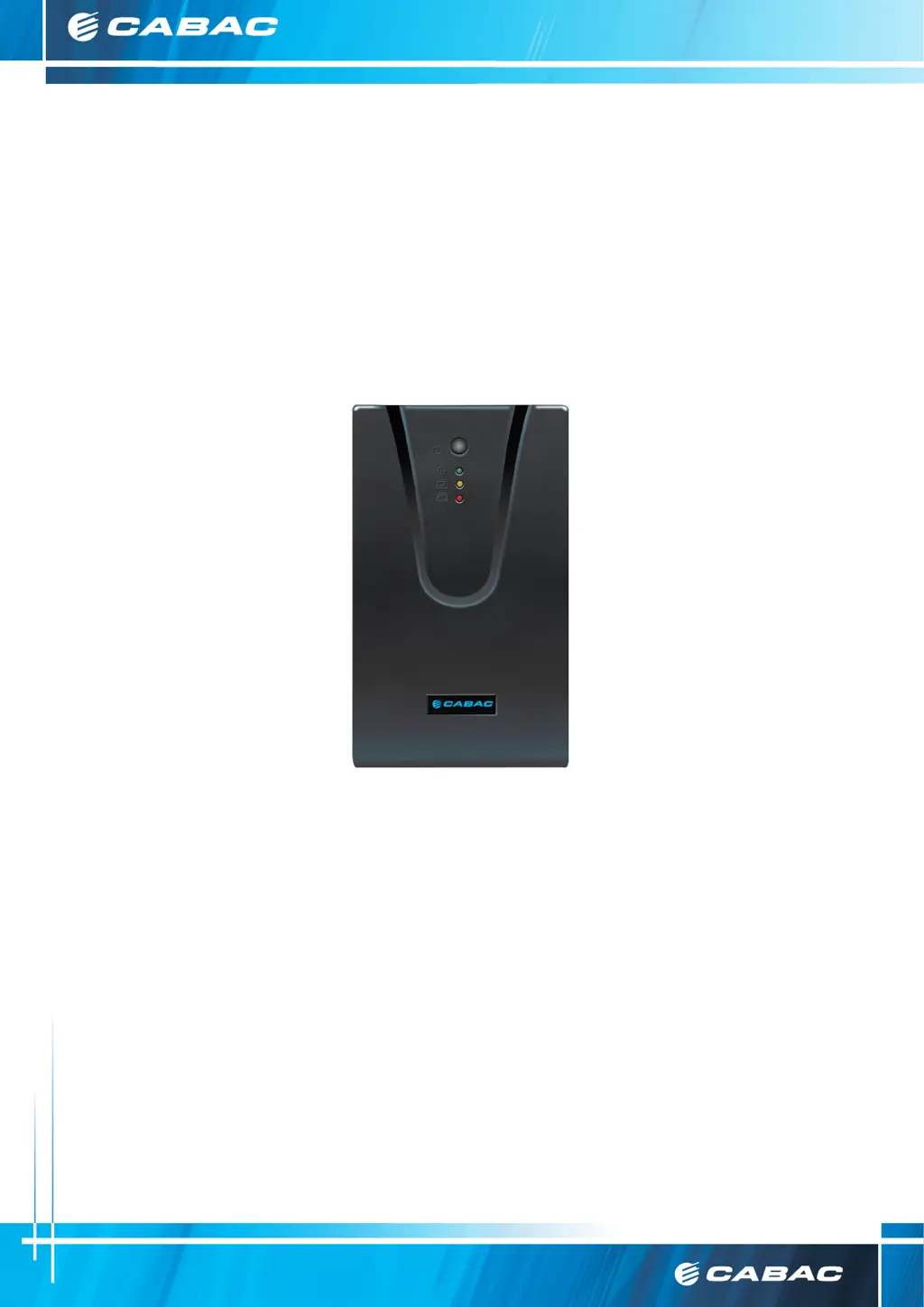
CABAC UPS600DV3 - User Manual

Default Icon
20 pages
Print Icon
To Next Page IconTo Next Page
Loading...
Customer Care Australia P: 133 122 F: 1300 303 310 E: sales@cabac.com.au W: cabac.com.au
A: 8 Distribuon Pl, Seven Hills NSW 2147
Customer Care New Zealand P: 8 0077 6969 F: 8 0088 6969 E: sales@cabac.co.nz W: cabac.co.nz
1
Version 1
CABAC UNINTERRUPTIBLE POWER
SUPPLY
USER’S MANUAL
UPS600DV3
UPS1000DV3
UPS1500DV3

Questions and Answers

  • J
    James HarrellAug 12, 2025
    What to do if CABAC UPS600DV3 UPS is always at battery mode?
    • R
      Robert TownsendAug 12, 2025
      If your CABAC UPS is constantly in battery mode, it could be due to several reasons. First, check if the power cord is loosely connected and re-plug it securely. Alternatively, the line voltage may be too high, too low, or experiencing a blackout, which is a normal condition for UPS operation. If the issue persists, it might indicate a PCB failure.
  • R
    ricejessicaAug 19, 2025
    Why is my CABAC UPS600DV3 UPS buzzer continuously sounding?
    • M
      michael84Sep 12, 2025
      A continuously sounding buzzer on your CABAC UPS may indicate a short circuit. To resolve this, remove any non-critical loads connected to the UPS. If the problem continues, it could indicate that the UPS is faulty.
  • N
    nmcguireAug 26, 2025
    How to fix CABAC UPS600DV3 if it does not provide expected run time?
    • J
      jason36Aug 27, 2025
      If your CABAC UPS isn't providing the expected runtime or if the low battery warning sounds prematurely, it might be due to a weak battery, possibly from wear or repeated mains outages. Allow the UPS to recharge its battery for at least 8 hours. If, after recharging and retesting, the low battery warning still occurs prematurely, the battery should be replaced.
  • A
    Andrew WelchSep 3, 2025
    How to turn on CABAC UPS if there are no LEDs on?
    • S
      Shane WilkersonSep 3, 2025
      If your CABAC UPS is not turning on and no LEDs are lit, it could be due to a discharged battery or the unit being in sleep mode. Press the POWER button to turn it on. If the issue persists, it may indicate a PCB failure.

CABAC UPS600DV3 Specifications

General IconGeneral
Capacity600VA / 360W
Output Power360W
Outlet TypeIEC C13
Battery12V/7Ah
Operating Temperature0°C to 40°C
Typical Recharge Time8 hours to 90% capacity