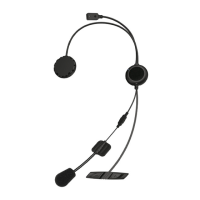
JUST SPEAK EVO
9
English
A lower priority function is always interrupted by a higher priority function.
For example, stereo music is interrupted by an intercom call, and intercom
conversation is interrupted by an incoming mobile phone call.
Fault Reset
When the JUST SPEAK EVO is not working properly or is in faulty status
for any reason, you may reset by pushing the pin-hole reset button on
the left speaker unit. Insert a paper clip into the reset pin-hole and press
and hold the reset button for a second with light pressure. The JUST
SPEAK EVO will be switched off. Turn the system back on and try again.
However, this will not restore the headset to factory default settings.
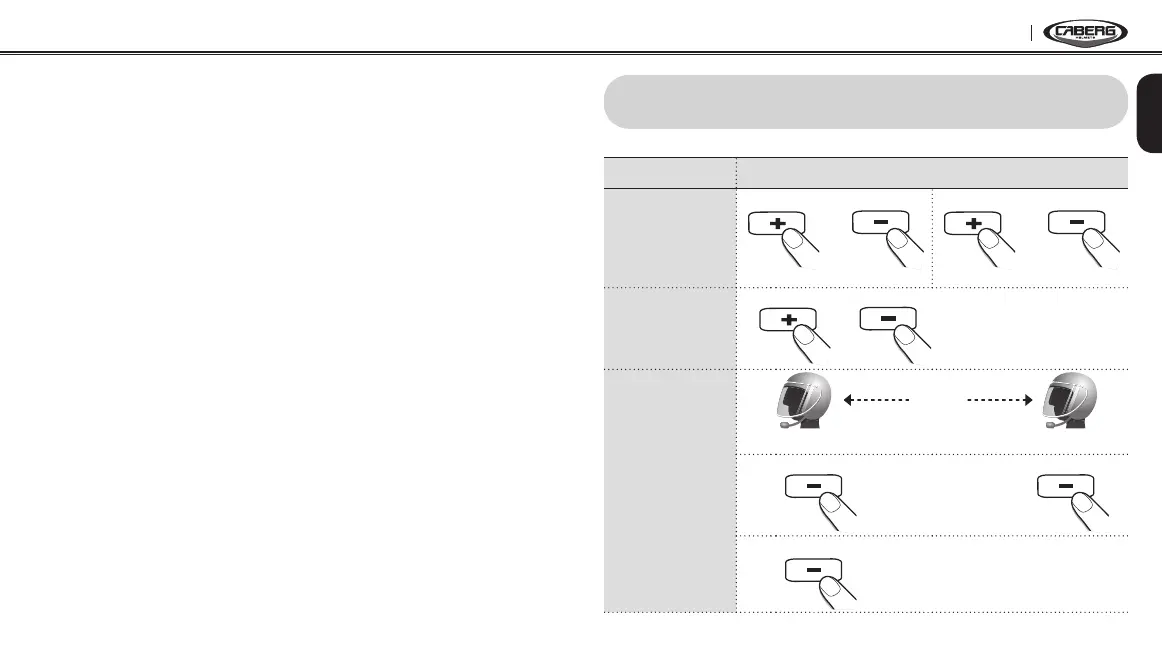
4. OPERATION QUICK REFERENCE
Function Operations
Power
On/Off
1 sec. 1 sec.
+
Power On
1 press 1 press
+
Power Off
Volume
Adjustment
1 press 1 press
or
Intercom
Pairing
pairing
A
B
1)
5 sec. 5 sec.
2)
1 sec.


 To Next Page