Need help?
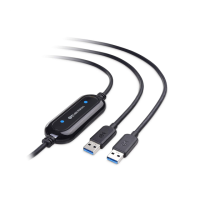
Do you have a question about the cable matters 202067-BLK and is the answer not in the manual?
Provides step-by-step instructions for initial setup and connection.
Guides through the installation process of the Easy Computer Sync software.
Instructions for installing and using the Easy Computer Sync software.
Explains how to launch the Easy Computer Sync software on both computers.
Details how to synchronize folders between computers for data consistency.
Guides on migrating files and settings to a new computer.
Solutions for common issues like unrecognized cable or slow transfer speeds.
 General
| Connector Gender | Male to Male |
|---|---|
| Data Transfer Speed | 10 Gbps |
| Power Delivery | Up to 100W |
| Color | Black |
| Length | 6.6 feet |
| Compatibility | Thunderbolt 3 |
| Warranty | Lifetime warranty |

 To Next Page