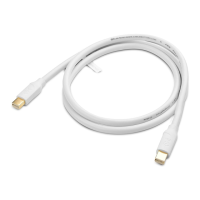
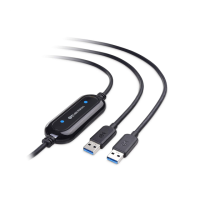
USB-A 3.0 Data Transfer Cable
Table of Contents
1. Introduction 1
1.1 Introduction
1.2 Copyright and Trademarks
2. Product Overview 2
2.1 Package Contents
2.2 Product Description
2.3 Product Features
2.4 System Requirements
3. Connection and Operation 3
3.1 Quick Start Instructions 3
3.2 Getting Started 3
3.2.1 Installation Checklist
3
3.2.2 Easy Computer Sync Software Installation 4
3.3 Data Transfer Cable Installation and Use
5
(Easy Computer Sync - Windows only)
3.3.1 Start the Easy Computer Sync Software
5
3.3.2 Mode: Synchronizing Files 5
3.3.3 Mode: Transfer Data to a New Computer 7
3.3.4 Mode: Drag & Drop Files 9
3.3.5 Mode: Remote Computer Access
9
3.4 Data Transfer Cable Installation and Use
10
(PCLinq5 – Windows & Mac)
3.4.1 PCLinq5 Software Installation
10
3.4.2 Start the PCLinq5 Software 11
3.4.3 Uninstall the PCLinq5 Program
17
3.5 Troubleshooting Notes
18
3.6 Frequently Asked Questions (FAQ) 19
4. Technical Specifications 20
5. Warranty and Support 21
5.1 Customer Support and Contact Information
5.2 Warranty Information
5.3 Limitations of Liability


 To Next Page