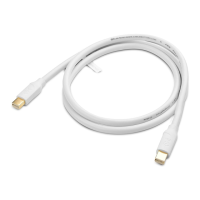
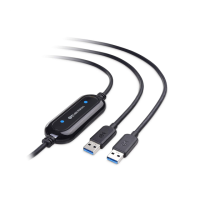
USB-A 3.0 Data Transfer Cable
17
3.4.3 Uninstalling the PCLinq5 Program
It is easy to uninstall the PCLinq5 program:
1.
Unplug the Data Transfer cable and close the PCLinq5 program.
2.
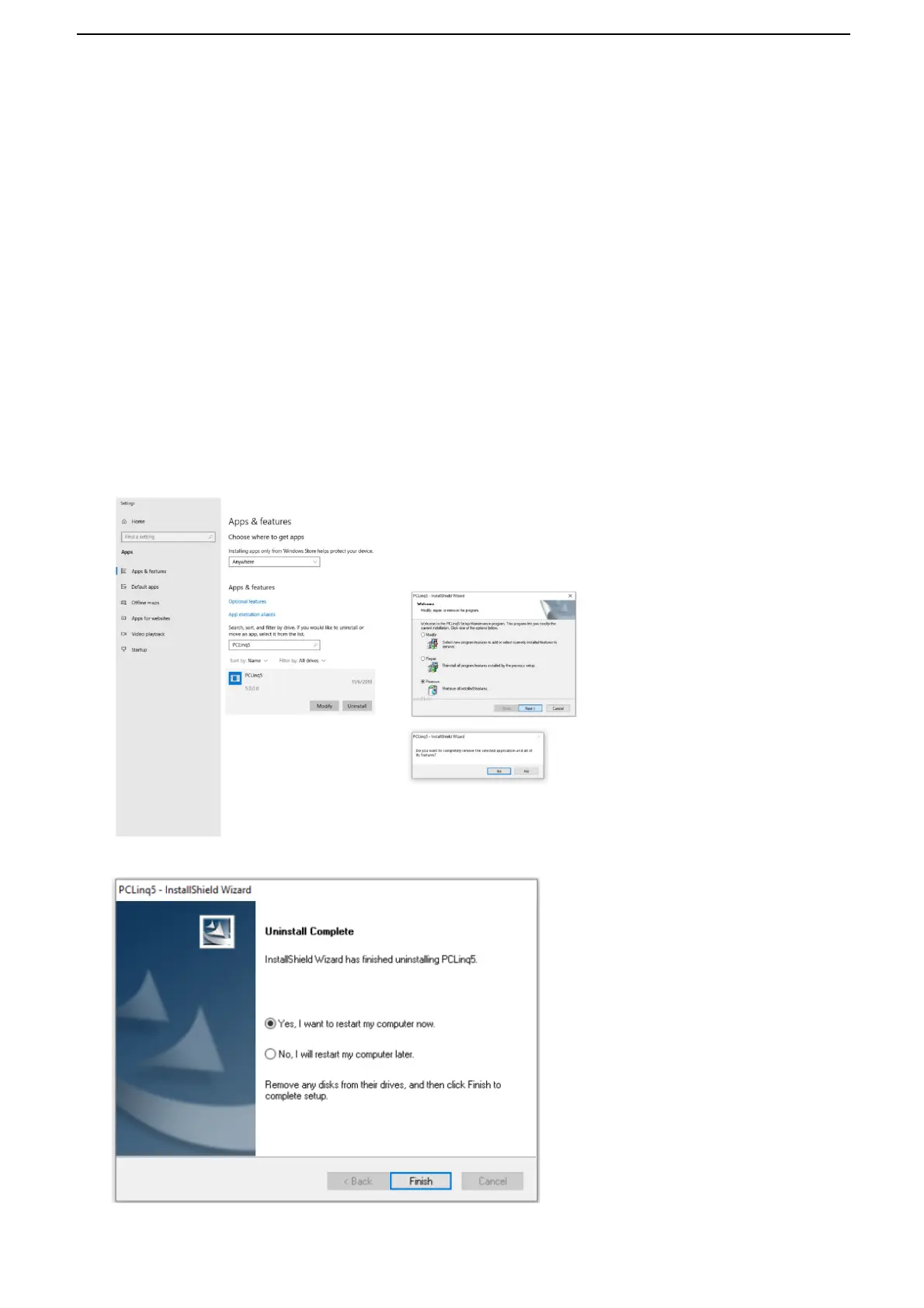
Go to Apps & features. Find the PCLinq5 program and click Uninstall button.
3.
The PCLinq5 InstallShield Wizard program will appear. Click the Remove button
and select to remove all installed features. Make sure that you have unplugged
the Data Transfer cable and click Next to continue.
4.
The PCLinq5 InstallShield Wizard program will confirm with you if you really
want to completely remove the application and features. Click Yes to uninstall.
5.
Wait for the InstallShield Wizard program to complete uninstallation.


 To Next Page