10
7.2
when around 50% of the battery
power has been consumed, and
the indicator will blink when
t h e a s h d o e s n ot h av e e n o u g h
power to f ire. Replace batteries
immediately when you see the
blinking signal. The
indicator is not applicable to
Ni- M H b att e r y.
5. When the ash is not in use,
remove the batteries to prevent
possible damage from battery
corrosion.
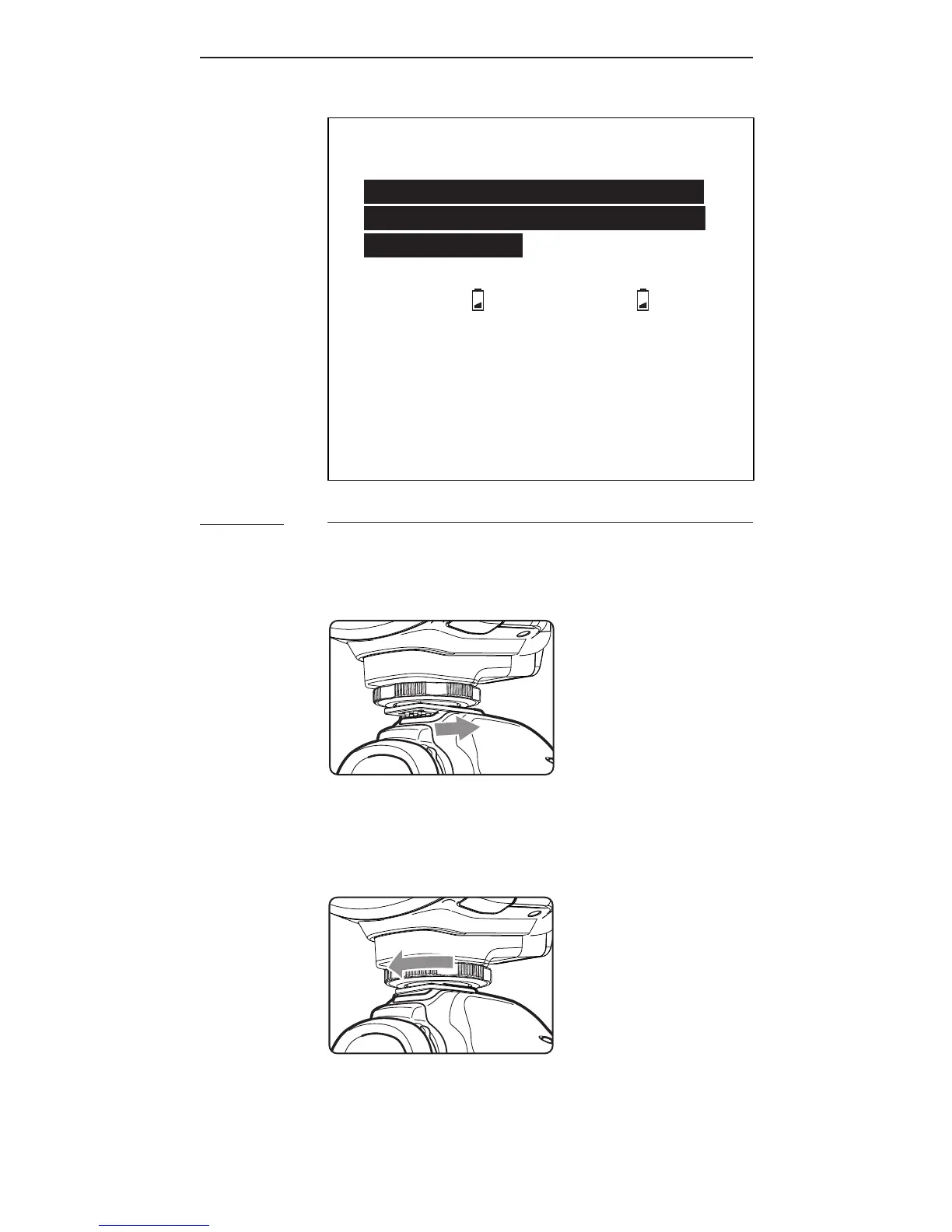
Attaching the Flash to and detaching it
from the Camera
1. T o att a c h t h e a s h, sl id e th e
a s h’s h ot s h o e m o u nti n g fo ot
a ll t h e w a y i nt o t h e c a m e r a’s h ot
shoe.
2. T o s e c u r e t h e a s h, r ot at e t h e
locking wheel on the mounting
foot to the left until it locks.



 To Next Page