22
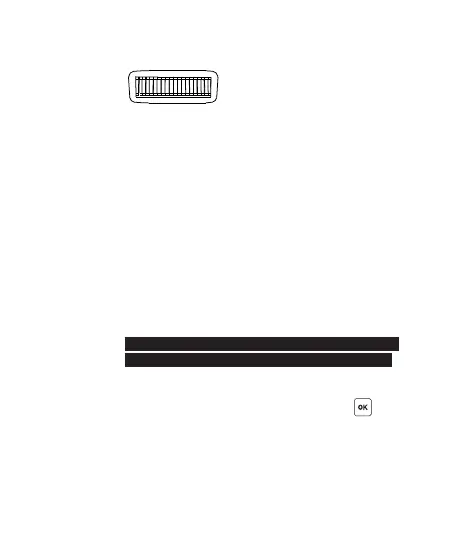
The selection dial is a two-way dial that
scrolls easily through different options by
turning left or right. Use the dial to:
1. Access menu items and menu options in the
conf iguration menu.
2. Adjust the power levels in the TX main
screen.
The direction of the selection dial is
conf igurable in the sub-menu (see
Section 15.1). You may conf igure it to
operate in either a clockwise or
a nti(cou nter)-clock w is e dir e ctio n.
The selection dial has a built-in push-in
button that serves as a quick OK button.
When conf irming an option in the
conf iguration menu, or entering/leaving the
swap control, you may either press or the
push-in selection dial.



 To Next Page