23
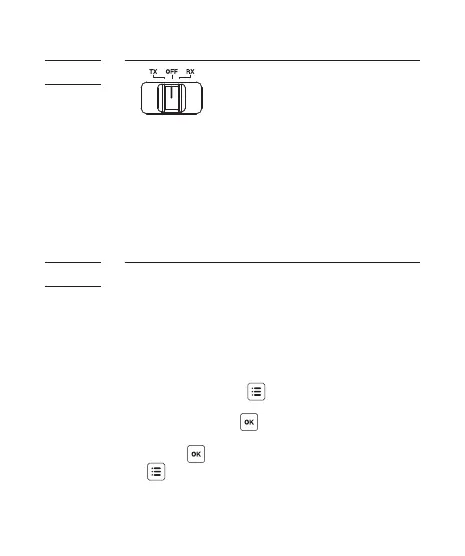
The Cactus V6 is a wireless transceiver that
is capable of transmitting and receiving
radio signals. Set the V6 transceivers to
the correct mode (transmitter to “TX”,
receiver to “RX”) by sliding the mode switch
to the correct position. This will
automatically power on the transceivers.
The Cactus V6 transceivers communicate with
each other via radio frequency. There are 16
channels available. Always make sure that
all of your V6 transceivers are set to the
same channel:
1. To set both TX and RX to the same
channel, press . The LCD will show
<C H A N N E L > a n d t h e d ef a u lt c h a n n e l
number. Press and turn the selection
dial to the preferred channel number.
Press to set other menu items or press
to exit.
2. The selected channel number will be
displayed on the LCD screen.
9.4
Choosing
the
Operating
Mode
9.5
Setting
the
Channel



 To Next Page