24
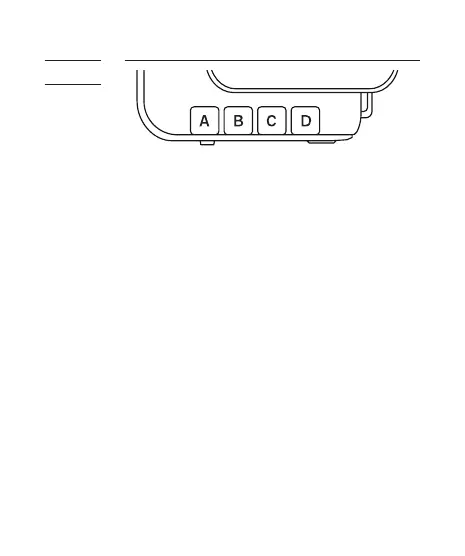
The group function in the V6 can assign RXs
into Group A, B, C, or D, and allows you to
choose which group(s) to f ire from the TX
u nit.
1. All V6 transceivers must be set to the
same channel.
2. Assign RX units to Groups A, B, C, or D by
pressing one of the group buttons. Each
RX can only be assigned to ONE group.
The LED of the selected group will turn
on.
3. Command the TX to f ire any combination
of groups by pressing the group
button(s). You can f ire any combination
of A, B, C, and D groups. The LED of the
a ctiv at e d g r o u p(s) w il l t u r n o n.
4. To change the power level of a specif ic
group, press and hold an activated group
button. Quickly pressing the group
button again will de-select the group.
9.6
Setting
and
Selecting
the Group



 To Next Page