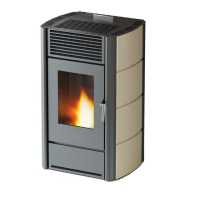
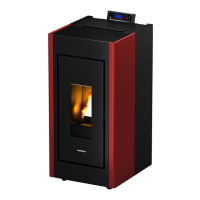
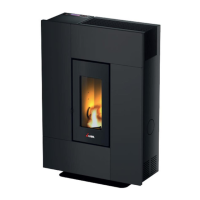
GRACE
3
- SPIRIT
3
- TALAS
3
10
i - Smoke Fan rpm
To change the parameter act as follows:
• Press the “menu” button.
• Scroll to “Settings” using the arrows
• Press “menu” to confirm.
• Scroll to “Smoke Fan rpm” using the arrows.
• Press “menu” to confirm.
• Modify the % with the + - keys.
• Press “menu” to confirm and “esc” to exit
j - Components Test
To activate the “Components Test” function (only when the boiler is switched off) act as follows:
• Press the “menu” button.
• Scroll to “Settings” using the arrows
• Press “menu” to confirm.
• Scroll to “Components Test” using the arrows.
• Press “menu” to confirm.
• Select the test to be performed with the + - keys
• Press “menu” to confirm and “esc” to exit
k - “Chimney Sweep Function"
To activate the “Chimney Sweep Function” function act as follows:
• Press the “menu” button.
• Scroll to “Settings” using the arrows
• Press “menu” to confirm.
• Scroll to the “Chimney Sweep Function” function using the arrows.
• Press “menu” to confirm.
• Select “On” with the + - keys (Off by default)
• Press “menu” to confirm and “esc” to exit
l - Technical Menu
To access the technical menu one must contact an assistance centre as one needs a password to enter.
To intervene on the “Technical Menu” act as follows:
• Press the “menu” button.
• Scroll to “Settings” using the arrows
• Press “menu” to confirm.
• Scroll to “Technical Menu” using the arrows.
• Press “menu” to confirm.
• Select “Product Type”, “Service”, “Status Memory”, “Parameters” with the + - keys.
• Press “menu” to confirm and “esc” to exit
8.5 INFO MENU
• Product Type
• Firmware Version
• Software info
• Total hrs.
• Ignition N.
• Rpm Smoke Fan
• Smoke Temp.
• Air Fan Voltage
• Screw Loading
• Fire


 To Next Page