EasyManua.ls Logo

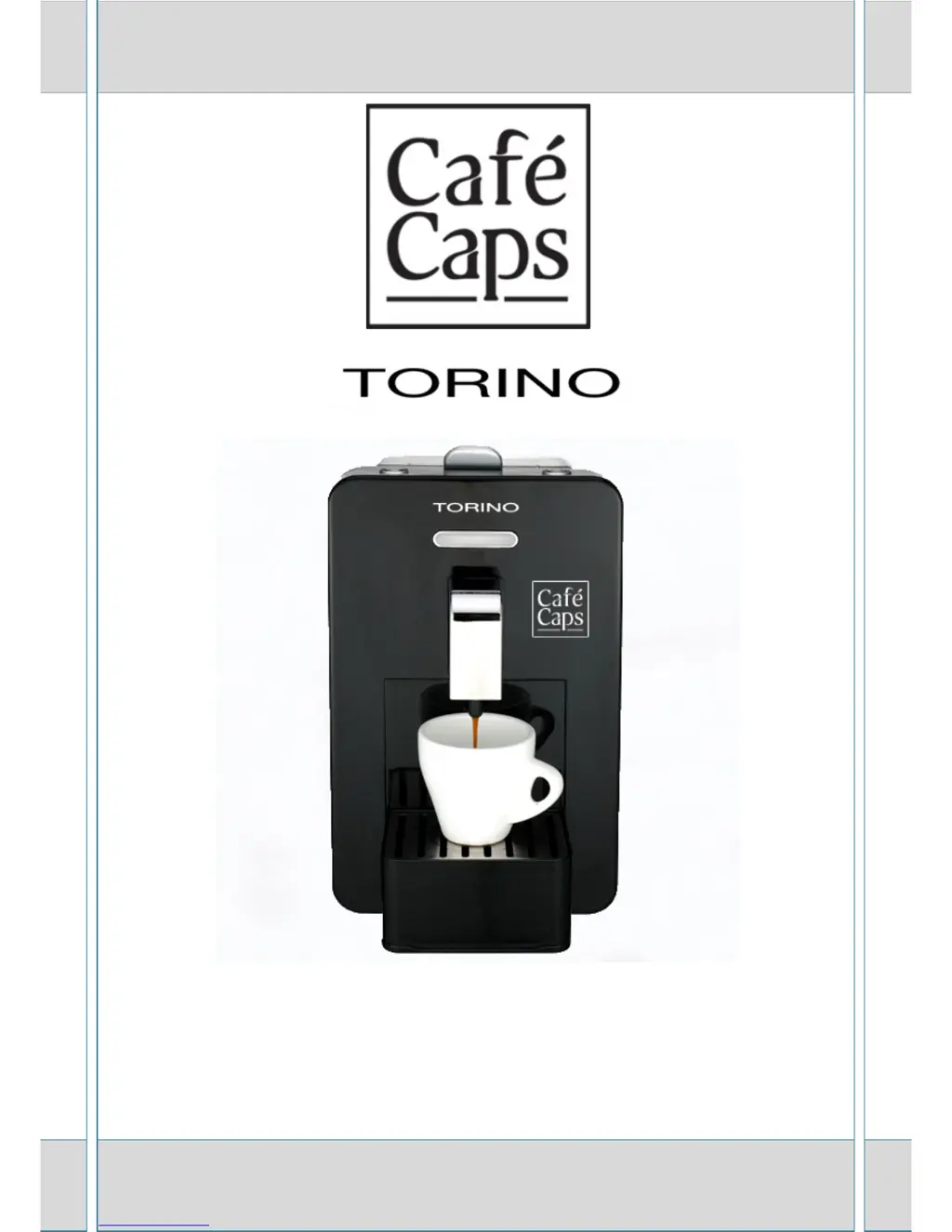
Cafe Caps Torino - User Manual

Default Icon
17 pages
Print Icon
To Next Page IconTo Next Page
Loading...
User manual

Questions and Answers

Summary

Details of the Coffee Machine

Introduction

General Warning

Read instructions carefully before first use and keep them for future reference.

Recommendations

Installation and Safety

Follow manufacturer's instructions for safe installation, proper use, and electrical safety precautions.

Legal Notice

Warranty and Liability

Manufacturer not liable for damage from improper use, unauthorized repairs, or non-original parts.

Product Specifications

Names of Parts

Using the Coffee Machine

Filling the Tank

Extract, fill, and reinstall the water tank securely, ensuring it's disconnected from power.

Rinsing Inner Circuits

Rinse the appliance's inner circuits when first used or after long periods of inactivity.

Starting and Warming Up

Fill the tank, plug in, and switch on the appliance to initiate heating and cleaning cycles.

Preparing Coffee

Making Espresso

Place cup, lift lever, insert capsule, close door, lower lever, and press dispensing button.

Energy Saving

Machine enters standby after 15 mins; press button (15) to reactivate.

Dispensing Counter

View total supplies by switching off and then on while holding button (15).

Emptying Capsule Receptacle

Lift drip tray, remove container, empty, rinse, clean, then reassemble parts.

Programming Settings

Programming Temperature

Set small/large beverage temperature using buttons (13)/(14) and memorize with (15).

Programming Quantity

Set small/large beverage portion size using buttons (13)/(14) and memorize with (15).

Maintenance and Care

Daily Cleaning

Run water through without capsule and empty drain tray daily.

Appliance Cleaning

Use wet cloth for body; wash removable parts with warm water and dish soap.

Storage for Long Periods

Power off, unplug, store in dry place above 5°C.

De-scaling Procedure

Troubleshooting Guide

Problem Diagnosis and Solutions

Addresses issues like no dispensing, temperature, noise, drops, and sour taste with actions.

Understanding Display Alarms

Explains error codes (E1, E2, E3, I_I) and their corresponding corrective actions.

Product Disposal

Cafe Caps Torino Specifications

General IconGeneral
BrandCafe Caps
ModelTorino
CategoryCoffee Maker
LanguageEnglish