20
WiFi Connect
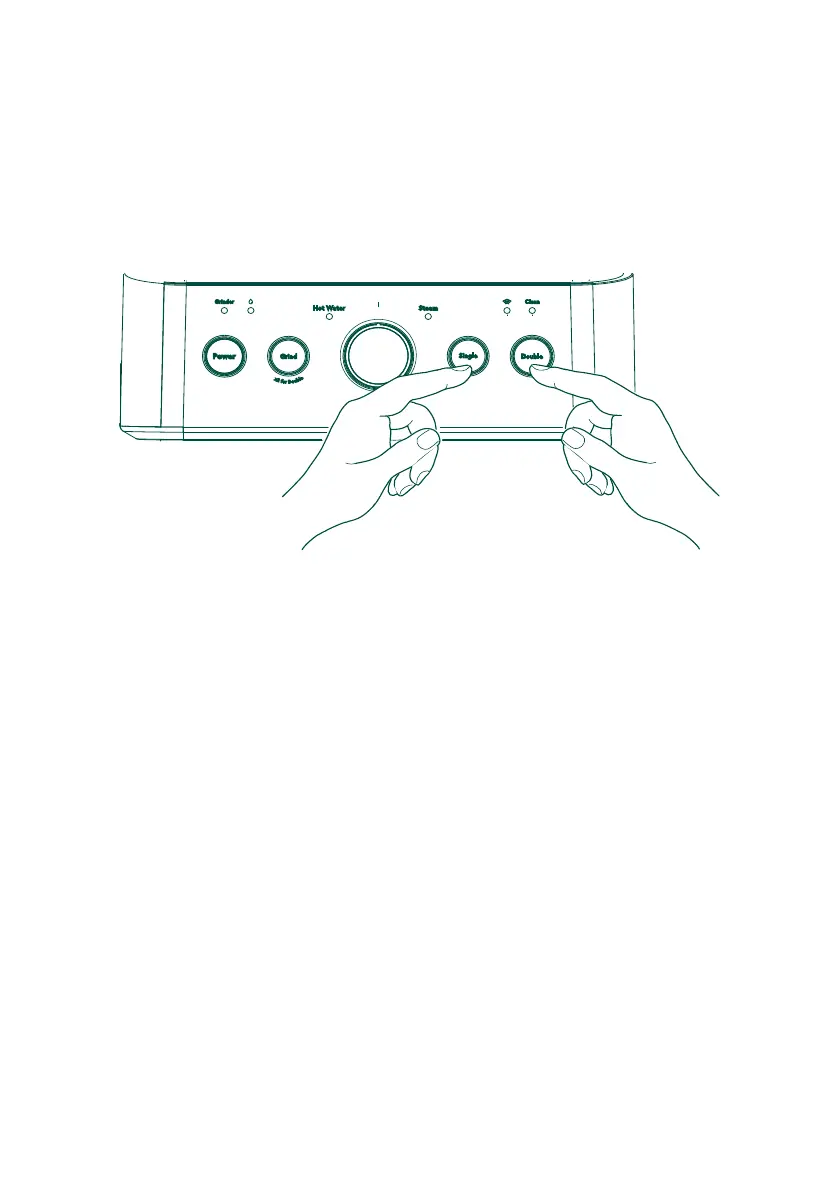
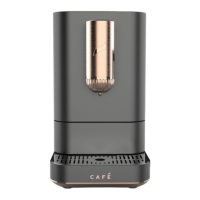
Press and hold the Single and Double buttons simultaneously for 3 seconds to turn on
the WiFi function. The espresso maker will beep to confirm the action and the WiFi LED
will start flashing. When the unit is successfully connected to WiFi the WiFi LED will go
solid.
Follow the directions in the SmartHQ app to continue WiFi setup.
NOTE: To disconnect from WiFi, follow the same steps. The WiFi icon will disappear.
NOTE: Connecting the unit may take multiple attempts.
NOTE: In case of loss of power or connection, the unit may take a up to five minutes to
reconnect to WiFi.
SmartHQ
Your Espresso Maker is WiFi Connect Enabled. A WiFi communication card is built into
the product allowing it to communicate with your Smart Phone for remote monitoring,
control, and notifications.
Please visit geappliances.com/ge/connected-appliances/ to learn more about
connected appliance features and to learn what connected appliance App's will work
with your Smart Phone.
WiFi Connect – SmartHQ


 To Next Page