14
Temperature
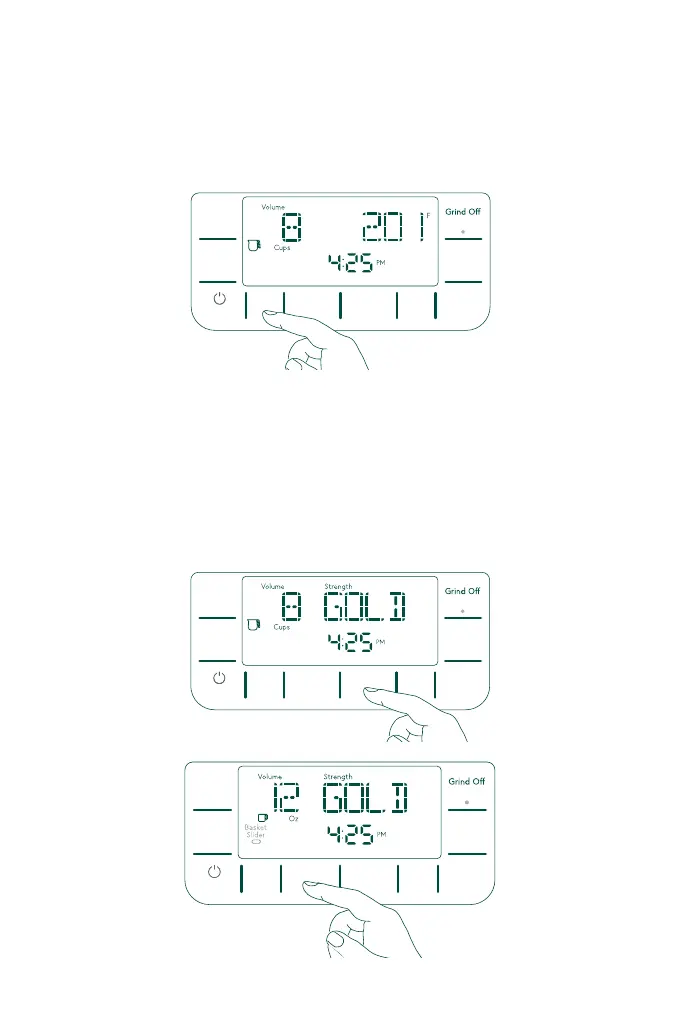
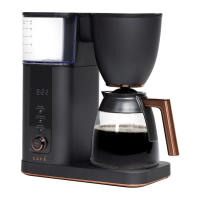
To adjust the Brew Temperature, press the Temperature button to change the brew
temperature to your desire temperature. Holding the Temp button will switch the
degree unit between Fahrenheit and Celsius.
Brew Volume
This brewer can brew from 4-10 cups in Carafe mode, or 6-24 oz of coffee in Single
Serve Mode.
To select your brew volume with cups, press the Carafe button to select a size from
4-10 cups
For single serve mode, press the Mug button to select brew size from 6-24 oz.
Place your mug under the coffee spout, and rotate the Brew basket slider near the
coffee spout to the Single Serve position.
Temp
Strength
Delay
Brew
Hold to Cancel
Power
Hold to Cancel
Hour
Minute
6-24 Oz
Mug
4-10 Cups
Carafe
Brew
Hold to Clean
Temp
Strength
Delay
Brew
Hold to Cancel
Power
Hold to Cancel
Hour
Minute
6-24 Oz
Mug
4-10 Cups
Carafe
Brew
Hold to Clean
Temp
Strength
Delay
Brew
Hold to Cancel
Power
Hold to Cancel
Hour
Minute
6-24 Oz
Mug
4-10 Cups
Carafe
Brew
Hold to Clean
Press the
Temp
button
Press the Carafe button
Brewing


 To Next Page