49-2000082 7
Features
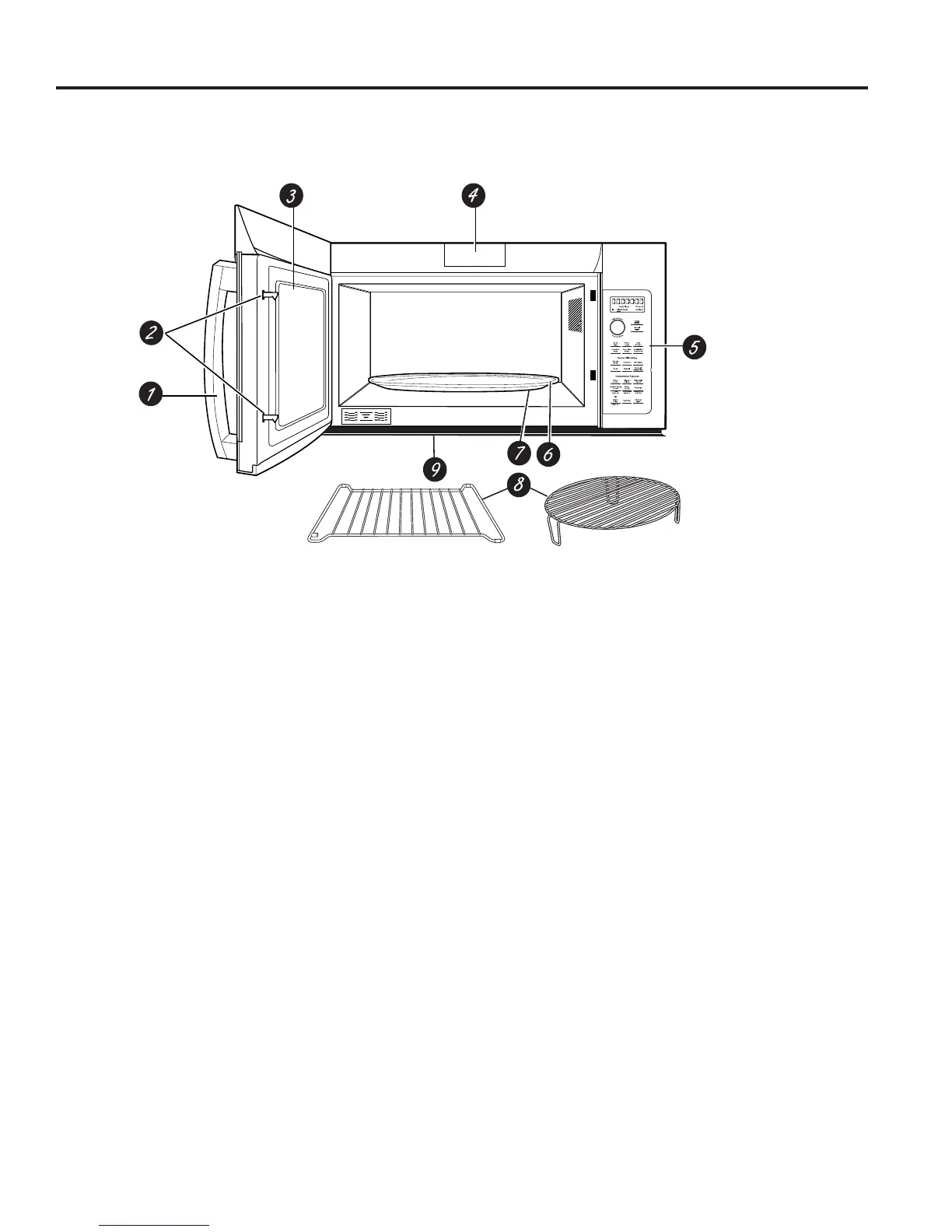
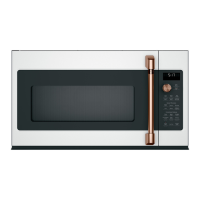
USING YOUR OVEN: Features
1. Door Handle.
2. Door Latches.
3. Window with Metal Shield. Screen allows cooking
to be viewed while keeping microwaves confined in
the oven.
4. Charcoal Filter Door. Push down two button to
open the door. You can change charcoal filter
easily.
5. Control Panel and Selector Dial.
6. Removable Turntable. Do not operate the oven
in the microwave mode without the turntable and
turntable support seated and in place.
7. Removable Turntable Support. Do not operate
the oven in the microwave mode without the
turntable and turntable support seated and in place.
8. Shelves. Use with Convection Bake, Convection
Roast or Combination Fast Bake. (Do not use
when microwave cooking.)
For best results, use one shelf in the lower
position and leave at least a 1-inch gap between
the cooking dish and the sides of the oven. For
two-level Baking or Fast Baking use both shelves.
9 Deflector. Provides robustness from cooktop heat.
Do not remove.
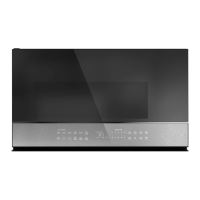
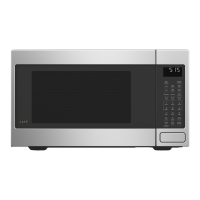
Throughout this manual, features and appearance may vary from your model.



 To Next Page