6 - ENG PN 21157307 A | User Manual
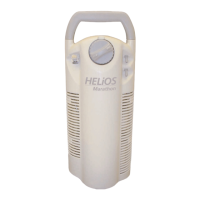
HELiOS
Standard & Universal
Reservoirs
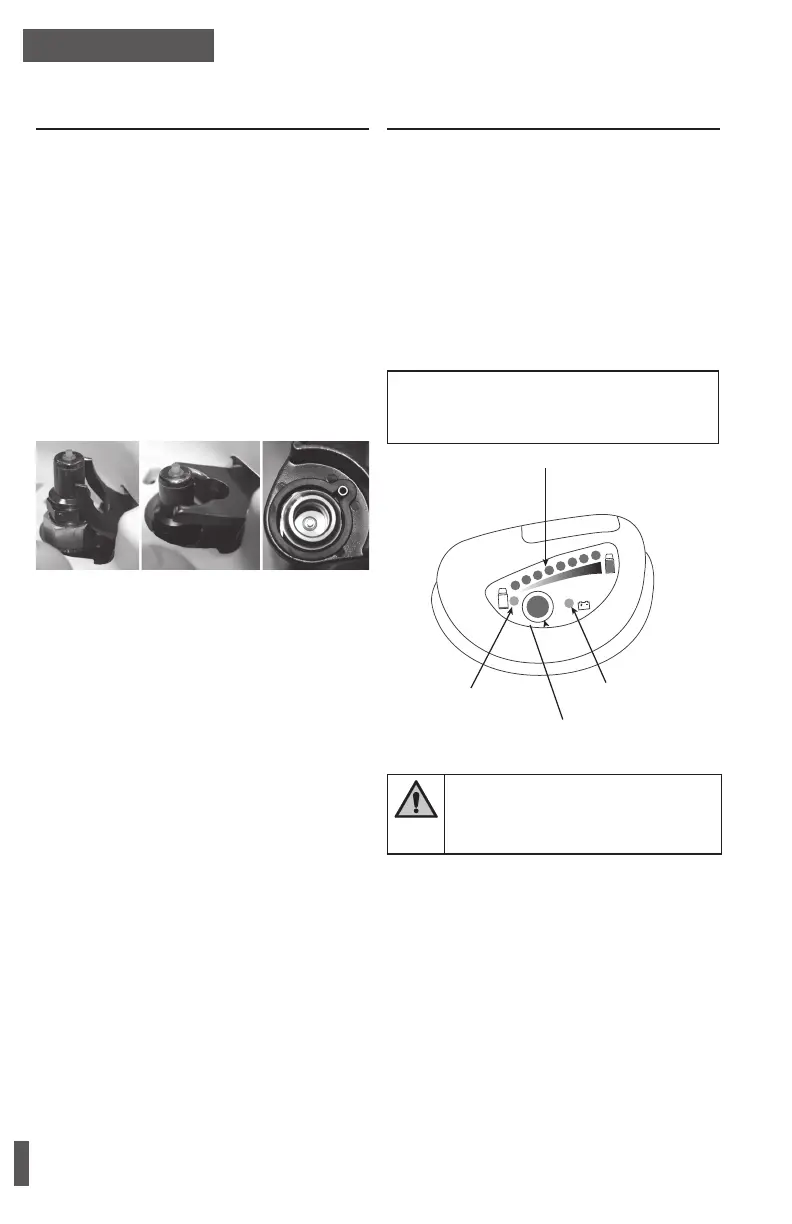
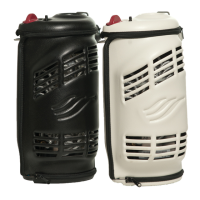
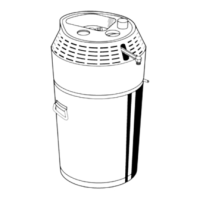
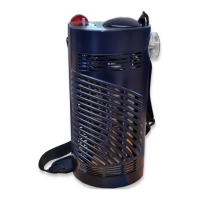
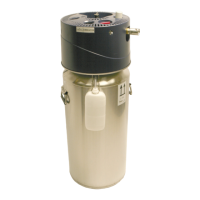
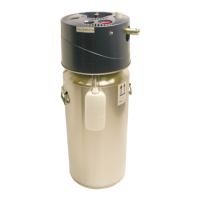
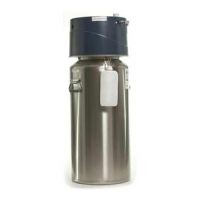
HELiOS Reservoirs are available in both Standard
(H36, H46) and Universal (U36, U46) models. The
easiest way to identify which reservoir you have is
by looking at the ll connector. Universal reservoirs
have a higher ll connector whose pop-off assem-
bly is curved upward. Reference the below gure to
identify the model of your reservoir.
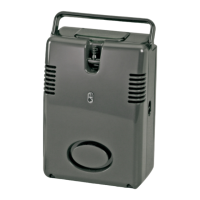
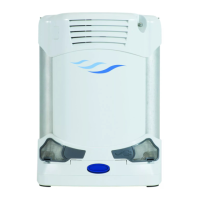
HELiOS Standard reservoirs will only ll the
HELiOS H300 and H850 portable units.
HELiOS Universal reservoirs will ll any CAIRE
top-ll (TF) portable unit that has a compatible
female ll connector. A compatible female ll con-
nector is shown on this page.
Universal Standard PB-Style portable
reservoir reservoir llconnector
Operating Instructions –
Level Verification
1. Press the blue button on the contents indicator.
2. Read the LED lights to indicate the liquid con-
tents level.
• If you get a green contents level light, there is
sufcient oxygen in the reservoir to ll your
portable unit.
• If the yellow low contents light appears, the
reservoir is empty or nearing empty. Contact
your heath care provider immediately.
• If the yellow low battery light appears, inform
your healthcare provider the next time your
HELiOS reservoir is lled.
NOTE: The HELiOS reservoir will continue to fill and
deliver oxygen when the low battery light is on as
long as there is oxygen in the tank.
Green Contents Level LEDs
Yellow Low Contents LED
Push Button
Yellow Low Battery LED
HELiOS contents indicator
WARNING: REMOVE THE BATTERY FROM
THE HELIOS RESERVOIR IF THE RESER-
VOIR IS NOT LIKELY TO BE USED FOR
SOME TIME.


 To Next Page