➢ Step distance:30~180 cm or 2~71 inch(default value 70 cm or 28 inch)
➢ Keep pressing B for 2s to exit.
➢ It will exit setting mode when no any key pressing for 1 minute.
3. Review records
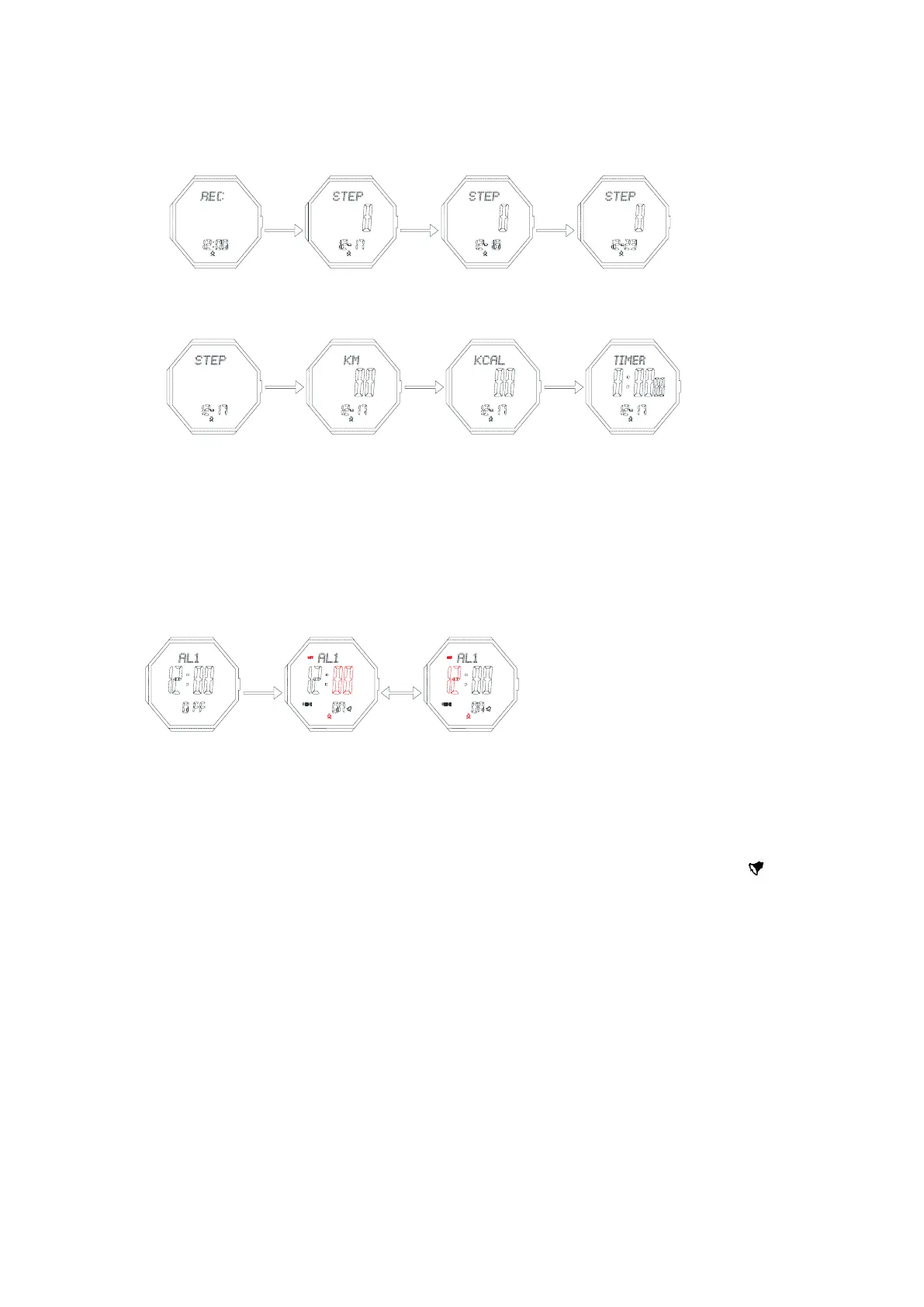
➢ In the record mode, press C to review the latest 7 days record
➢ In the day record, you can shift the data for the following items by pressing D
➢ If no data recorded on that day, pressing C/D is useless
4. Alarm mode
➢ In alarm mode, press button D to shift among these items: AL1->AL2->Chime->AL1
➢ Press C to turn on/off the alarm or hourly chime
➢ In alarm mode, keep pressing button B for 2s,the Minute flashes, entering setting mode
➢ Press B to move the setting items:
➢ Press D to increase the value, press and hold D to advance quickly.
➢ Press C to decrease the value, press and hold C to decrease quickly
➢ Keep pressing B for 2s to exit.
➢ It will exit setting mode when no any key pressing for 1 minute.
➢ When the alarm is on, it will sound BB—BB for 30s once it's the alarm time, the sign will be
flashing. Press any button to stop it
5. Chronograph mode
➢ The maximum timing range is 99 hours 59 minutes and 59.99 seconds.
➢ In this mode, press D to start or stop .Press C key to 2s reset when it stop.
➢ Split time record: When the chronograph is running, press C to choose the LAP,15s later it will display the
time of chronograph, then second pressing C to choose the next LAP, you can stop it by pressing D. keep
pressing B for 2 seconds to enter LAP record mode, C/D to review LAP
➢ When LAP have been reach to 100,and you want to go on counting, press D/C to overlay it to the last
LAP
➢ In the LAP mode, press B for 2s to exit and return to chronograph mode
➢ When the chronograph is running, press B to enter other mode, but the chronograph still running
background
➢ When the chronograph stop, it will return to timekeeping mode 5 min later


 To Next Page
 Loading...