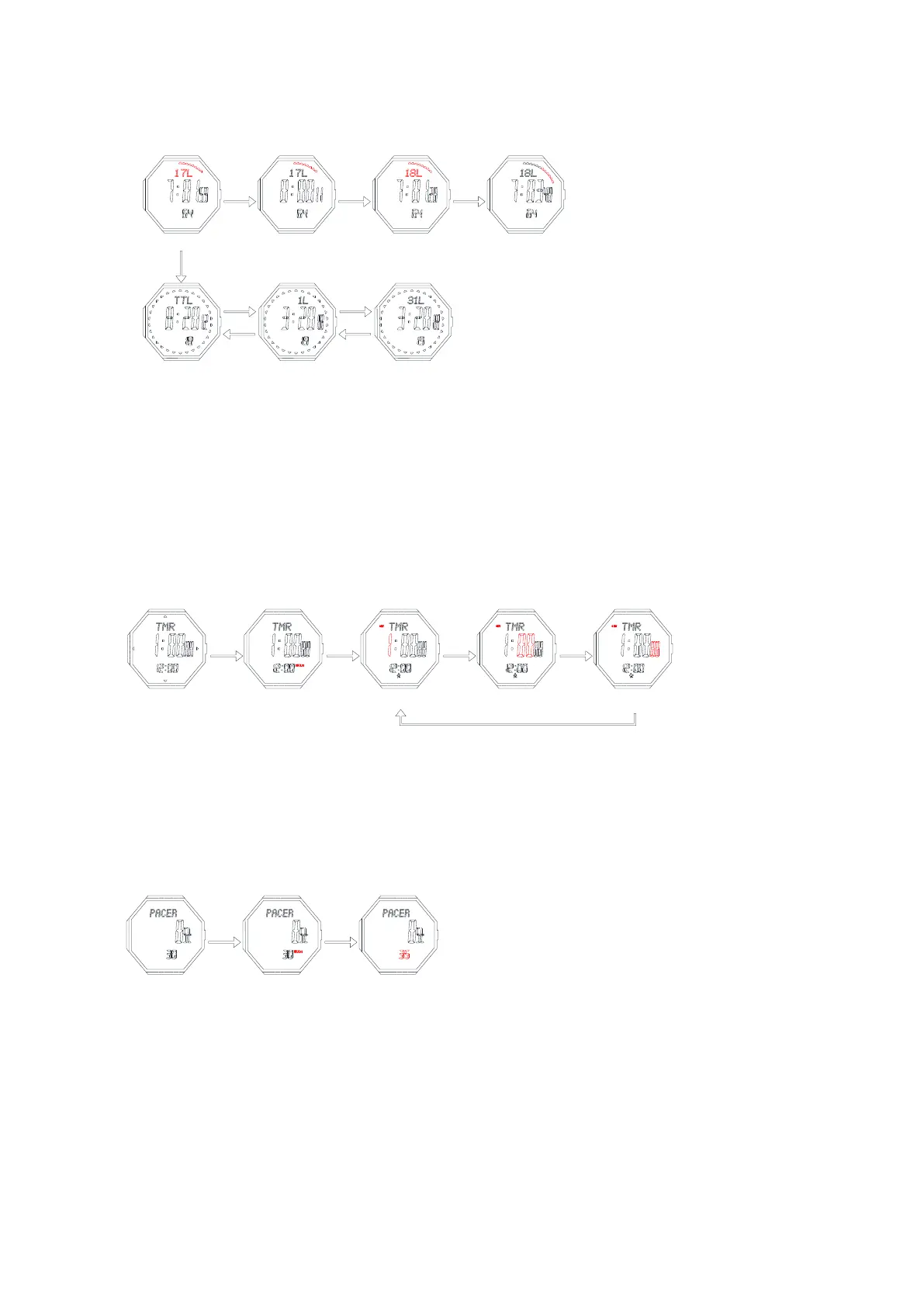
6、Countdown timer mode
➢ The maximum countdown range is: 99 hours, 59 minutes and 59.99 seconds.
➢ In the countdown timer mode, press button D to run/stop, press button C to return your setting value
when it stop.
➢ When countdown to 0, the alarm will sound BB.BB.BB..for 30 seconds.
Set the counting down timer: In the counting down mode, press and hold button B for 2 seconds, Hour
flashes, entering counting down setting mode.
Press button B to select the following items for setting sequentially:
➢ Press D to increase the value, press and hold D to advance quickly.
➢ Press C to decrease the value, press and hold C to decrease quickly
➢ Keep pressing B for 2s to exit.
➢ It will exit setting mode when no any key pressing for 1 minute.
7、Metronome mode
➢ In the metronome mode, press D to turn it on/off
➢ When it stops, press C for 2s to reset
➢ If the metronome is not stopped, it will start from 0 again when reaches 99999
➢ In the metronome mode, keep pressing B for 2s to enter its frequency setting(30-180)
➢ Press D to increase the value, press and hold D to advance quickly.
➢ Press C to decrease the value, press and hold C to decrease quickly
➢ Keep pressing B for 2s to exit.
➢ It will exit setting mode when no any key pressing for 1 minute.
8、The second time setting



 To Next Page