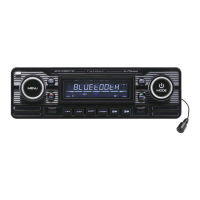
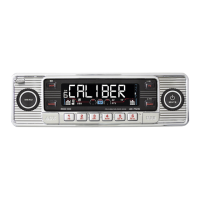
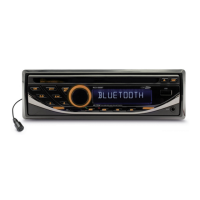
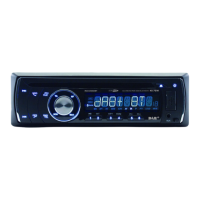
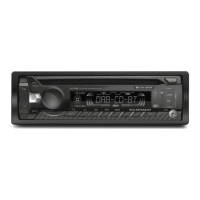
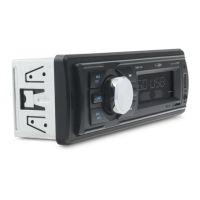
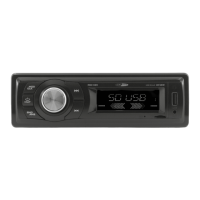
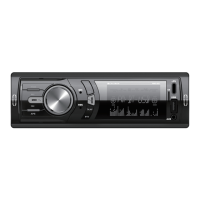
Description of the functions
Panel Release Push this button to release the frontpanel.
Eject Push this button to eject the CD out of the unit.
Power Power function to activate or deactivate the unit.
Band Band selection allows you to select different reception bands, f.i. FM1, FM2, FM3, AM1 and AM2
AF AF stands for Alternative frequencies; the tuner will return to alternative frequencies whenever the reception signal is getting worse.
TA TAstandsforTrafcannouncementwhichmeansthatitwillgiveyouinformationaboutthetrafc(ifbroadcasted)nomatterwhatmodeyouarein(CD,USB,etc.)itwillautomaticallyinterruptthecd
and give the information, after that it automatically switches back to the selected mode
Manual up/down Long press to move the radio frequency number up/down step by step.
Menu (system) Press the VOL/SEL button for several seconds to activate the cyclical mode to choose from the following user instructions:
TASEEK/ALARM>MASKALL/DPI>TAVOL>RETURNS/L(Presstoenterfuctions)
Audio Menu TheAudiomenubuttongivesyouthepossibilitytoadjustyoursoundsystemwiththefollowingoptionsBass,Treble,BalanceandFader.Theseoptionscanbeusedtonetuneyoursound.
In EQ mode you can choose from preset EQ settings: FLAT, CLASSIC, POP, ROCK
Mode The mode button allows you to go from one source (f.i. CD) to another source (f.i. Tuner, DAB) by pushing the button as many times as needed.
Rotary volume This knob allows you to adjust the volume from minimum to maximum level. NOTE high sound levels may cause damage to your ears.
M1-M6 These are the preset stations where you can store your favorite radio stations if in tuner mode.
Pause/Play ThisbuttonallowsyouinCD,USBorSDmodetoplayortopausethemusic.
Scan Scanwillplay10secondsofeachsongontheCD,USBorSD.Ifthepreferredsongisplaying,pushagainanditwillplaythatsong.
Repeat Repeatwillplayaselectedsongoralbumcontinuously.AvailableinCD,USBandSDmode.
Shufe Shufewillplayallthesongsrandom.AvailableinCD,USBandSDmode.
File down/up In MP3 mode press this button to go up or down one folder.
Track down/up In MP3 mode press this button to go up or down one track
fast forward/backward LongpresstofastforwardtotheCD,USBorSD.
3,5mmAUXjackin To connect an external audio system.
USBpoort WheninsertingaUSBsticktheunitwillswitchtoUSBmode.(Max32GB)
SD card input (behind panel) RemovethefrontpaneltoinsertSDcard.WheninsertingaSDcardtheunitwillswitchtoSDmode.(Max32GBcard)
Reset (behind panel) Useanon-metallicpointedobjecttopressandholdtheresetbuttonfor5seconds.Theunitwillbesettofactorydefault.
1
AUX
IR
INT
2
RPT
3
RDM
4
5
6
MIC
SD
q
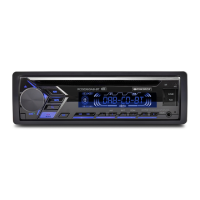
RCD236DAB-BT
MUTE
MODE
BAND
CLK
USB
4X 75W CD/USB/SD/AUX/MP3/MP4/DVD
8
2
3
5 6 7
4
1
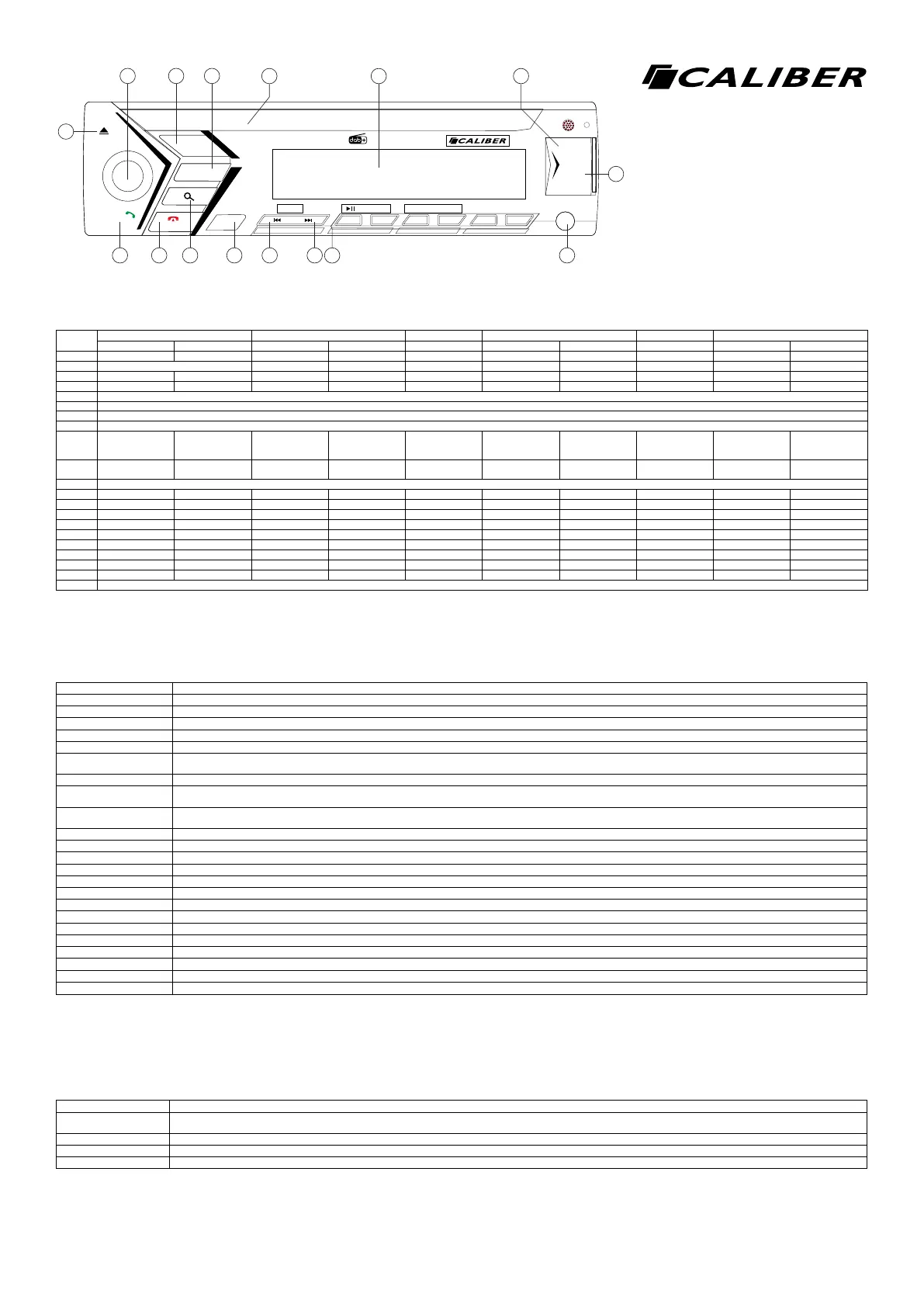
10 11 12 13 14 15 169
RCD 236DAB-BT
English
Key System Tuner DAB CD/MP3/WMA BT Audio Bluetooth
Short press Long press Short press Long press Short press Short press Long press Short press Short press Long press
1 Eject
2 Rotary Volume
3 Power Power off
4 Mute
5 Disc slot
6 LCD display
7 USBport
8 Micro SD slot
9 Band ID3 Answer
incomming call
Transfer
conversation to
mobile phone
10 Mode Mode Mode Reject incoming
call/end call
11 Automatic scan & store
12 Display Clock set PTY
13 Seek down Manual down Stadion down Track down fast backward Track down
14 Seek up Manual up Stadion up Track up fast forward Track up
15 M1 Store M1 Store M1 Play/Pause Play/Pause
M2 Store M2 Store M2 Intro
M3 Store M3 Store M3 Repeat
M4 Store M4 Store M4 Shufe
M5 Store M5 Store M5 Folder down
M6 Store M6 Store M6 Folder up
16 3,5mmAUXInJack
Bluetooth
Pairing Activate Bluetooth on your mobile phone, and search for available devices. Select “RCD236DAB-BT Caliber” . If succesfull “Connected” is displayed, if not “Pairing Fail!” will be displayed for 3 sec-
onds. The unit will go back to the previous mode.
Reconnect The unit will normally auto-reconnect.
Reject incomming call Press (F/PS) button if you not wish to answer the call, and return to normal playing mode.
Transfer To audio transfer from headunit back to the mobile phone. Long press the Transfer (MOD) button to transfer the audio back to your mobile.
Note! Do not operate the unit while driving!


 To Next Page
 Loading...