Unplug the product during lightning storms.
Please check the product condition and safety at initial
installation, and on a regular basis.
Please check the reception regularly, especially after relocation
the camera.
Please only use dry microfiber cleaning cloth on the camera
lens.
Allow 10cm of air space around the product for ventilation.
Please keep the monitor 1 meter (3 feet) apart from the camera
to avoid feedback sound, you won't want to disturb a sleeping
baby.
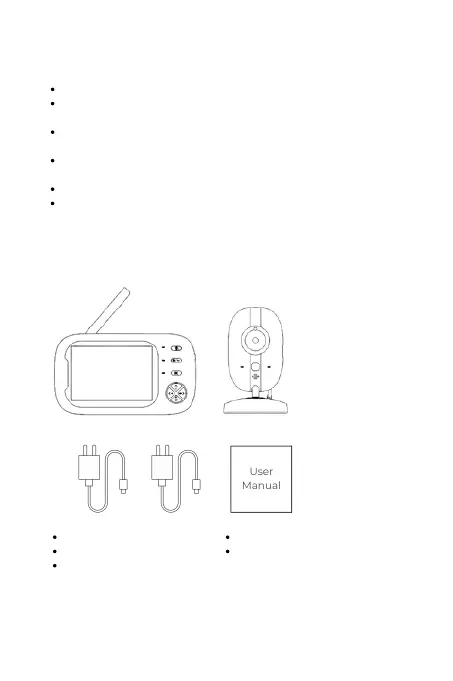
Display Unit
1 Display Unit Charger
User Manual
Camera
1 Camera Unit Charger
2
What's In The Box


 To Next Page