18 ImPulse IP Audio Routing & Mixing System Start Up Guide
Once the AoIP Routers are setup the next step is to setup the AoIP I/O Devices.
To do this, access the Connect Application as shown below:-
Calrec Connect Login Instructions
1. Open your Web browser e.g. Chrome and browse to the address of the LAN port you are connected to e.g
172.29.1.21
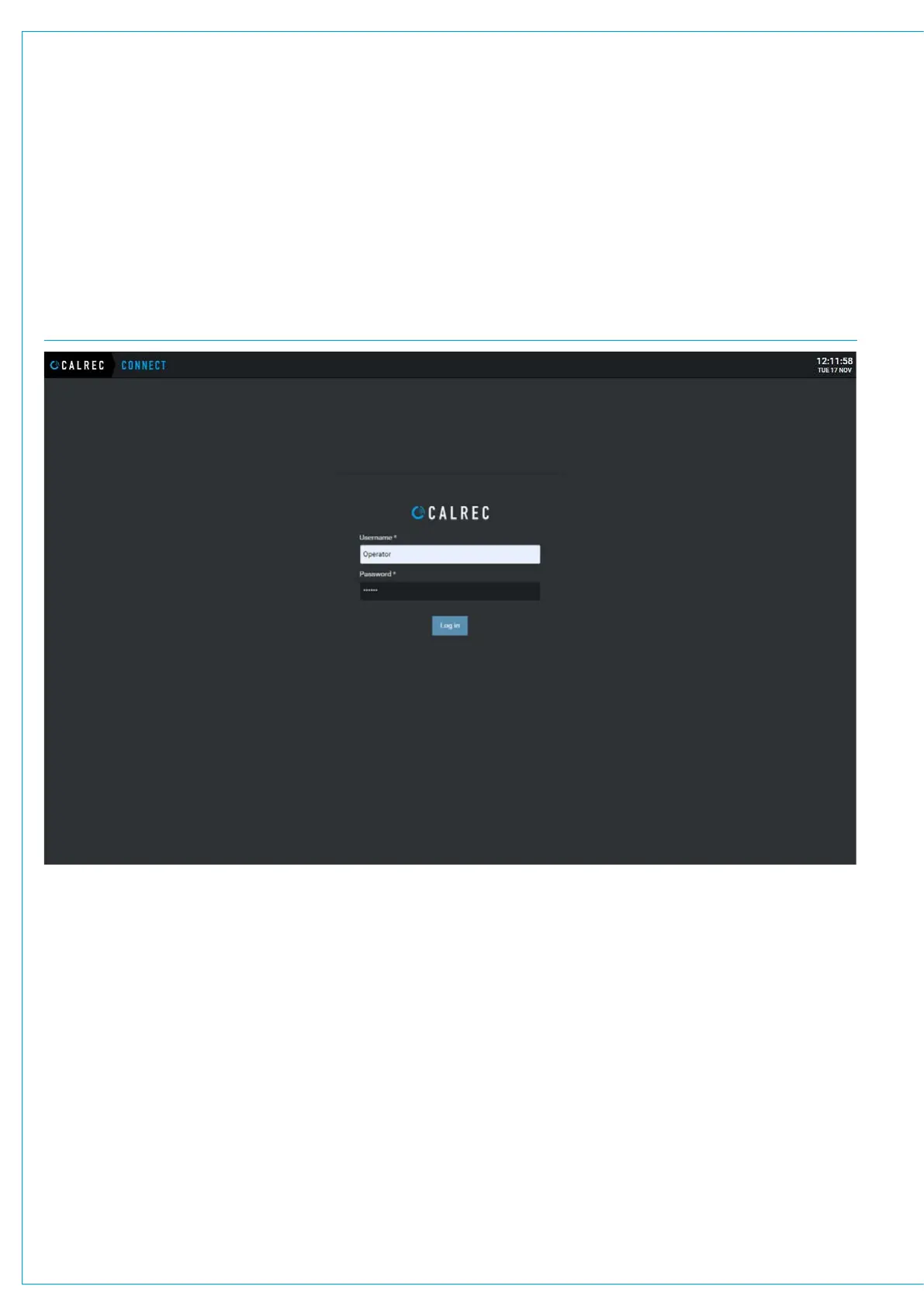
This will launch Connect, which opens the Connect Login page shown below.
CALREC CONNECT LOGIN PAGE
2. In order to access the Connect Application, the user will need to enter the Username and Password, the user then taps on the
‘Log in’ button and the Connect application then accesses the Devices menu as shown at the top of the next page.


 To Next Page