SECTION 3: PROGRAMS & STATIONS ®
making
since 1986
ater work
Program Priorities in Use ? YES
Start Times & Water Days
PROG D . . . . . . . . . . . . . . . . . . . . LOW
PROG E . . . . . . . . . . . . . . . . . . . . LOW
DRIP 1 . . . . . . . . . . . . . . . . . . . . LOW
DRIP 2 . . . . . . . . . . . . . . . . . . . . LOW
PROG B . . . . . . . . . . . . . . . . . . . . LOW
PROG C . . . . . . . . . . . . . . . . . . . . LOW
PROG A . . . . . . . . . . . . . . . . . . . . LOW
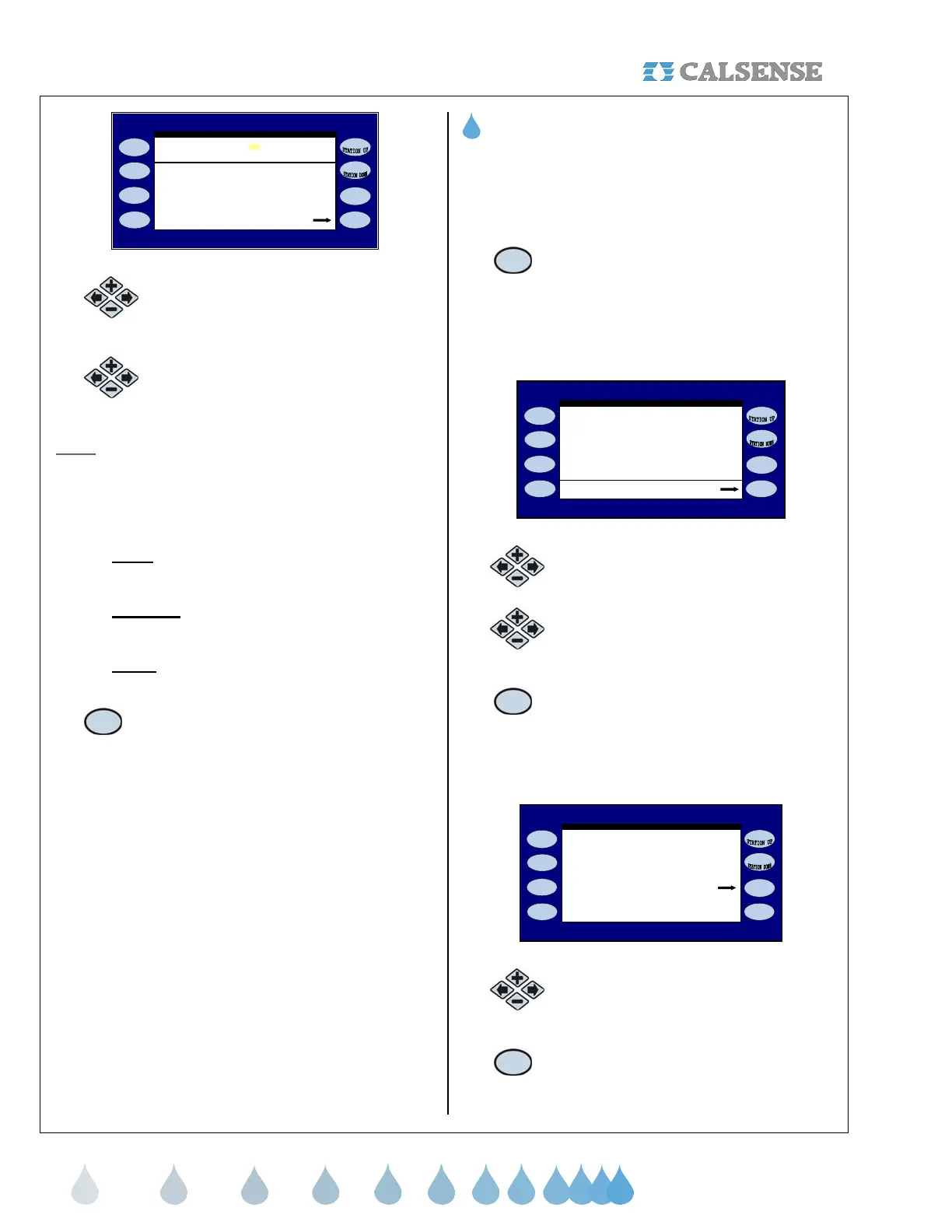
PROGRAM PRIORITIES
PRIORITY
Figure 3.5
4.
Press the blue ARROW keys to
highlight the program you want to set a
priority for.
5.
Press the PLUS or MINUS keys to
change the program priority.
Note:
If two or more programs are set to exactly the
same parameters, priority level, and irrigate at or
during the same time period: they will ignore Program
Priority settings and follow regularly scheduled
irrigation parameters.
• LOW:
This is the lowest setting of the three
and has the least priority.
• MEDIUM:
This is the intermediate setting of
the three priorities.
• HIGH:
This setting has precedence over the
other two settings
6.
Press the START TIMES & WATER
DAYS Menu key to view START
TIMES & WATER DAYS screens for
each program.
THIS CONCLUDES THE PROGRAM PRIORITIES
SECTION
3E. STATIONS-BY-PROGRAM
This section of the controller allows you to view each
station, by program, that it is currently assigned to.
You can also move individual stations from one
program to another.
1. At the PROGRAMS & STATION
screen press the STATIONS-BY-
PROGRAM Menu key.
The PROGRAM ASSIGNMENT SUMMARY screen is
displayed (Figure 3.6).
Move Station
(move cursor to see more )
PROG D: (none)
PROG E: (none)
PROG B: . . . . . . . . . . . . . . . . . . . .
PROG C: (none)
2, 3, 4, 5, 6, 7, 8,
PROGRAM ASSIGNMENT SUMMARY
1,
PROG A: . . . . . . . . . . . . . . . . . . . .
Figure 3.6
2.
Press the PLUS or MINUS keys to
scroll through the programs.
3.
Press the blue ARROW keys to
highlight the station that you want to
move.
4.
Press the MOVE STATION Menu
key.
The CHANGE STATION PROGRAM ASSIGNMENT
screen is displayed (Figure 3.7)
CHANGE STATION PROGRAM ASSIGNMENT
Change Station 1 :
TO : PROG B: . . . . . . . . . . . . . . . . . . . .
FROM : PROG A: . . . . . . . . . . . . . . . . . . . .
to leave screen WITHOUT making
the change.
Make the Change
Press ANY key except the one above
Figure 3.7
5.
Press the PLUS or MINUS keys to
change the program.
6.
Press the MAKE THE CHANGE
Menu key to change the station to
It’s new program.



 To Next Page