SECTION 6: REPORTS ®
making
since 1986
ater work
SECTION 6: REPORTS
The reports section of the controller is used to view
the following report information:
• This Month / Last Month History
• 24 Month History
• Hold-Over
• ET & Rain Tables
• Alerts
• Station History
• Use verses Budget
• Live screens
6A. THIS MONTH / LAST MONTH
The This Month / Last Month report allows you to
view water usage in Gallons, Hundreds of Cubic
Feet, or by time used on each station for the current
and last month, in the following categories:
• Irrigation
• Test and Manual
• Non-Controller usage
1.
Press the MAIN MENU key.
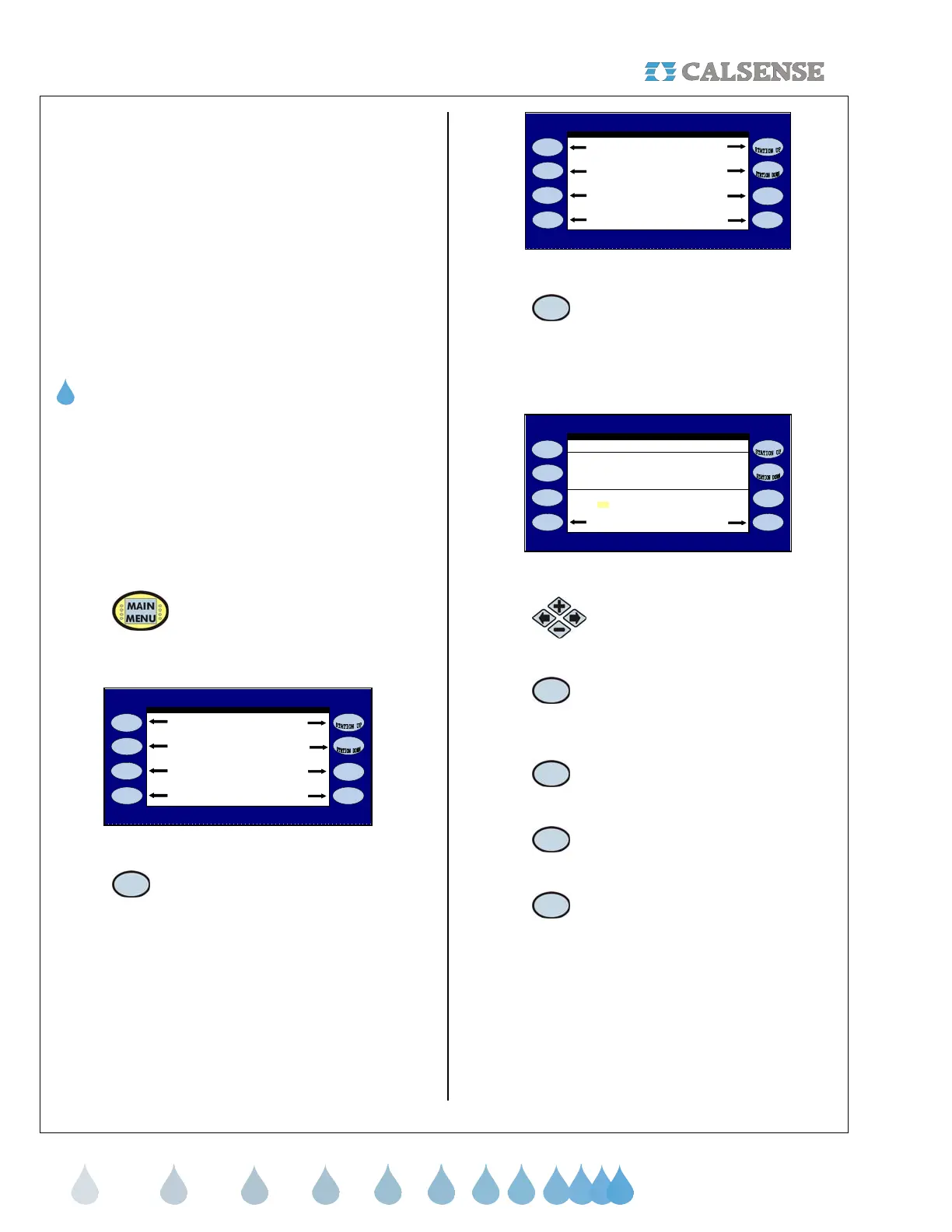
From The MAIN MENU screen (Figure 6.1):
CALSENSE WATER MANAGEMENT SYSTEM
Programs & Stations Lights
Weather Reports
Setup Status
Flow Radio Remote
Figure 6.1
2.
Press the REPORTS Menu key.
The REPORTS menu screen is displayed
(Figure 6.2).
REPORTS
This Month / Last Month Alerts
24 Month Station History
ET & Rain Tables Live Screens
Hold - Over Use vs. Budget
Figure 6.2
3.
Press the THIS MONTH / LAST
MONTH Menu key.
The THIS MONTH / LAST MONTH TOTALS screen
is displayed (Figure 6.3)
STATION 1
Irrigated: 6169.3 0.0
THIS MONTH / LAST MONTH TOTALS
(gallons) This Month Last Month
Non Controller: 240873.4 0.0
Test & Manual: 2009.0 0.0
HFC Show Times
Irrigated: 0.0 0.0
Figure 6.3
4.
Press the PLUS or MINUS keys to
select the desired station.
5.
Press the HFC Menu key to
change the information to
Hundreds of Cubic Feet.
6.
Press the GALLONS Menu key to
change information back to
Gallons.
7.
You can also view Time in Minutes
for each station by pressing the
SHOW TIME Menu key.
8.
To change the information back to
Water Usage press the SHOW
WATER USE Menu key.
THIS CONCLUDES THE THIS MONTH / LAST
MONTH SECTION



 To Next Page