® SECTION 6: REPORTS
making
since 1986
ater work
6B. 24 MONTH
The 24 Month report shows the amount of water
used, budgeted (if budgets are enabled), and ET (if
ET enabled) for the last 24 months.
From the REPORTS menu screen (Figure 6.2):
1.
Press the 24 MONTH Menu key.
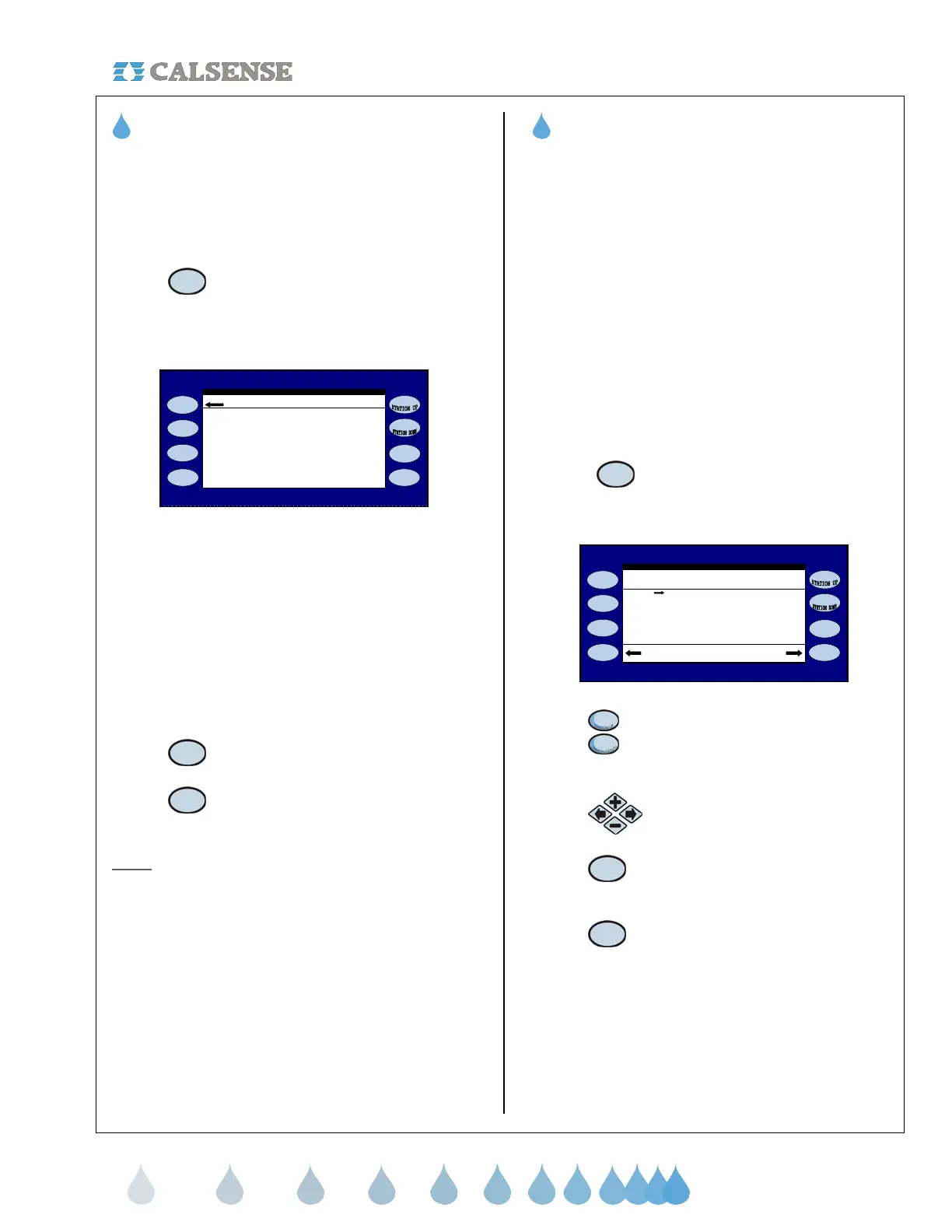
The 24 MONTH History screen is displayed (Figure
6.4)
24 MONTH HISTORY
IN GALLONS
Last Year USE BUDGET ET
Jan 2005 0 0 0.00
Feb 2005 0 0 0.00
pr 2005 26380 25309 3.62
May 2005 32283 31288 4.83
Mar 2005 0 0 0.00
Oct 2005 41892 40299 4.32
Nov 2005 31223 32438 3.11
Dec 2005 22983 21343 2.01
Jun 2005 48282 49223 5.32
Jul 2005 53929 51283 6.01
ug 2005 64833 51283 6.98
Sep 2005 53222 50392 5.51
Figure 6.4
The report is listed in three columns:
• USE: The amount of water used (gallons).
• BUDGET: The amount of water allocated in
the budget.
• ET: The amount of ET for the month.
2.
Press the LAST YEAR Menu key
to access last year’s information.
3.
Press the THIS YEAR Menu key to
go back to this year’s information
Note:
These entries can be viewed in Hundreds of
Cubic Feet also.
THIS CONCLUDES THE 24 MONTH SECTION
6C. HOLD-OVER
Hold-Over occurs if the controllers irrigation cycle is
forced to end before it has finished. Any unfinished
irrigation will be saved as Hold-Over time. The
controller will then try to use up this hold over time
during subsequent irrigation cycles when
programmed to do so.
The Hold-Over section of the controller allows you
to:
• Set positive or negative individual hold over
time per station.
• Clear an individual stations hold-over time.
• Clear all station hold over times on
controller.
From the REPORTS menu screen (Figure 6.2):
1. Press the HOLD-OVER Menu key.
The HOLD-OVER screen is displayed (Figure 6.5).
HOLD-OVER MINUTES
STN HOLD-OVER(mins)
1 0.0
2 0.3
4 2.0
5 0.0
3 1.6
Clear ALL Clear Station
6 0.0
7 2.0
8 3.0
Figure 6.5
2.
Press the STATION UP /
STATION DOWN Menu key to
view each station assigned.
3.
Press the PLUS or MINUS keys to
change station values.
4.
Press the CLEAR STATION Menu
key to clear all hold over for that
particular station.
5.
Press the CLEAR ALL menu key
to clear all stations at one time.
THIS CONCLUDES THE HOLD-OVER SECTION



 To Next Page