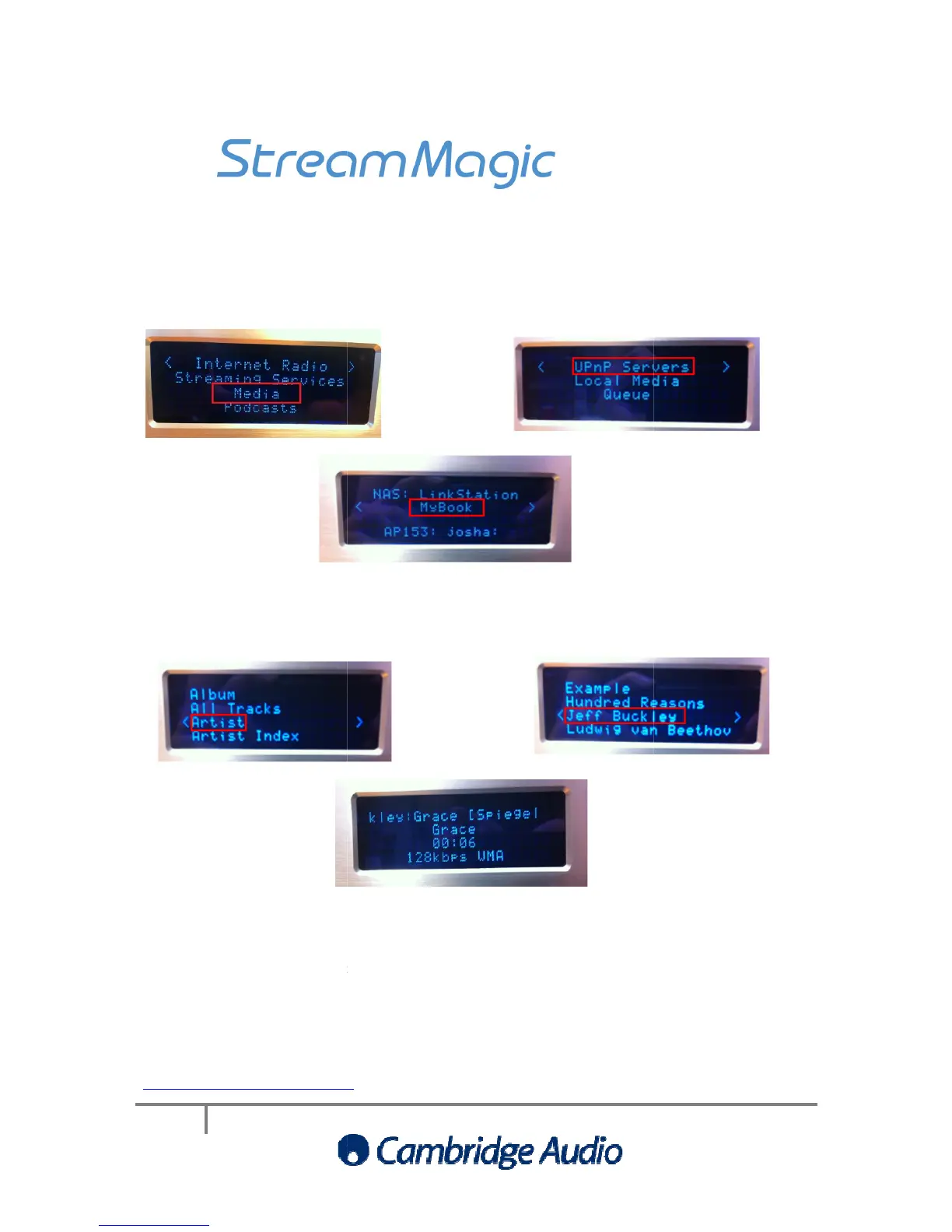
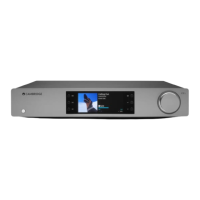
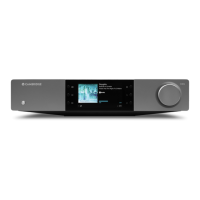
To access the NAS via the
Then follow the steps below
on the Stream Magic product…
Once you have selected the
NAS drive from the UPnP Servers menu,
ber of options available to you. We are going to choose
nts of the NAS by using the Stream Magic
UPnP server presents. For example,
album’ etc, but another may give you the option to browse by ‘genre’
server/NAS drive being used
If you have any further questions relating the set up of
any queries regarding the Stream Magic product
http://support.cambridgeaudio.com
To access the NAS via the
on the Stream Magic product…
NAS drive from the UPnP Servers menu,
choose Music. There are then a
ber of options available to you. We are going to choose
nts of the NAS by using the Stream Magic
How the NAS is browsed depends on the option
UPnP server presents. For example,
one UPnP server may give you th
album’ etc, but another may give you the option to browse by ‘genre’
If you have any further questions relating the set up of
please contact your NAS drive manufacturer
any queries regarding the Stream Magic product
http://support.cambridgeaudio.com
choose Music. There are then a
How the NAS is browsed depends on the option
please contact your NAS drive manufacturer


 To Next Page