S-Series Technical Manual 41 Cambridge Engineering, Inc.
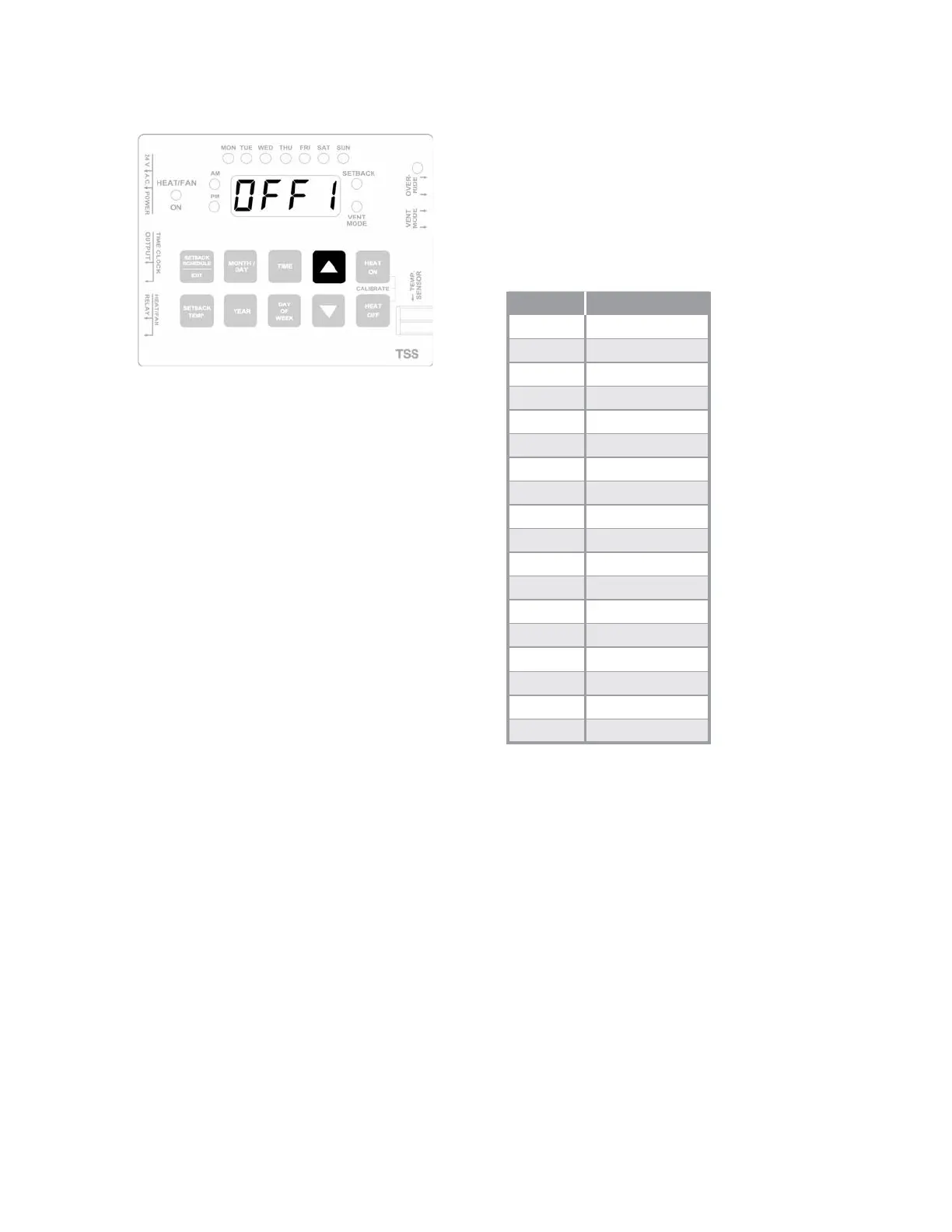
10. Press the UP button once to step to the next OFF
cycle.
11. Press and hold. the TIME button while pressing the
UP or the DOWN button to scroll to the desired OFF
time.
12. Press and hold the DAY OF WEEK button while
pressing the UP or the DOWN button until the light
for the desired day is illuminated.
13. Repeat steps 7-12 until all required program cycles
have been entered.
14. Press the SETBACK SCHEDULE/EXIT button to exit
the scheduling program.
15. Verify that the correct current time and light for day
of the week are still displayed.
HOLIDAY SETBACK SCHEDULE
The Holiday Setback Schedule overrides the normal
schedule and holds the space at the SETBACK tempera-
ture. The TSS Controller allows up to nine holiday peri-
ods (Holiday Start Date [HSD] and Holiday End Date
[HED]) to be scheduled.
HOLIDAY SETBACK SCHEDULE
Cycle Date
HSD 1
HED 1
HSD 2
HED 2
HSD 3
HED 3
HED 4
HED 4
HSD 5
HED 5
HSD 6
HED 6
HSD 7
HED 7
HSD 8
HED 8
HSD 9
HED 9



 To Next Page