9
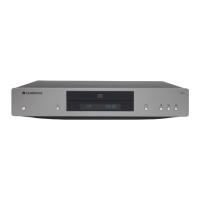
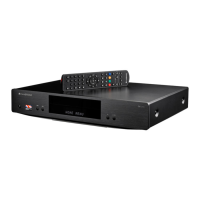
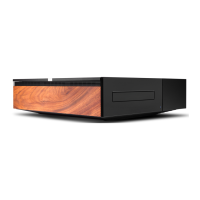
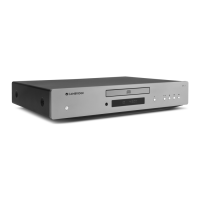
AXC25
AXC35
THERE IS NO POWER
Ensure the AC power cord is connected securely.
Ensure the plug is fully inserted into the wall socket and is switched on.
Check fuse in the mains plug or adaptor.
THE PLAYER WILL NOT READ THE DISC
Check the disc is not loaded upside down.
Check that the disc is not too scratched or dirty.
THERE IS NO SOUND
Ensure that the amplier is set correctly.
Check that the interconnects are inserted correctly.
THE DISC IS SKIPPING
Check that the disc is not too scratched or dirty.
Ensure the player is on a rm surface and not subject to vibrations.
THERE IS A HUM COMING FROM THE SPEAKER
Ensure that all cable connections are secure.
THE REMOTE HANDSET WILL NOT FUNCTION
Check that the batteries have not expired.
Ensure that nothing is blocking the remote sensor.
If you experience any trouble with your product, visit the help section on
our webpage at https://techsupport.cambridgeaudio.com
For all servicing, in or out of warranty, please contact your dealer.
Troubleshooting


 To Next Page