EasyManua.ls Logo

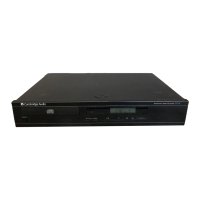
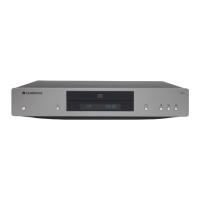
CAMBRIDGE CD5 - Front Panel Controls; Front Panel Button Functions

CAMBRIDGE CD5
13 pages
Print Icon
To Next Page IconTo Next Page
To Previous Page IconTo Previous Page
Loading...
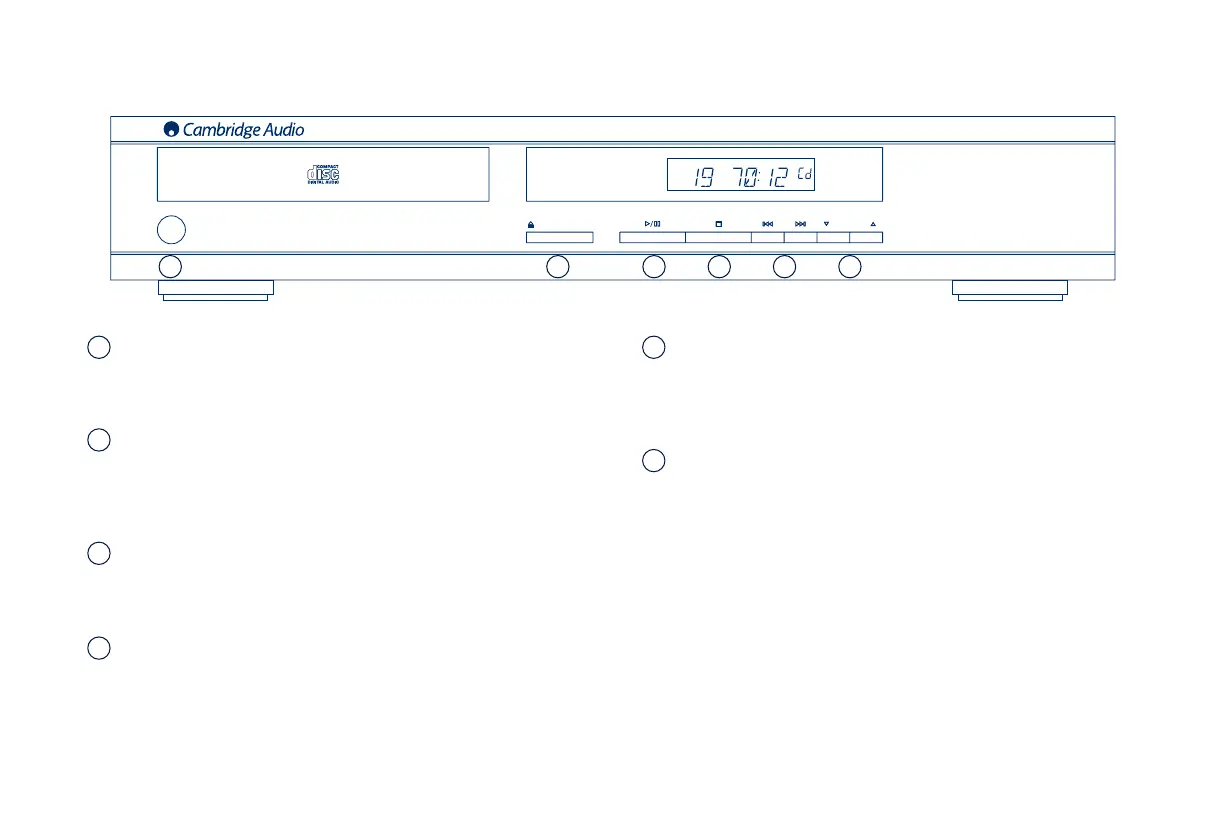
Power
Switches the unit between On and Off.
Open/Close
Allows you to open and close the disc tray thus making it possible to load
a disc. Pressing Play will also close the tray and start the CD.
Play/Pause
Plays the disc and pauses play.
Stop
Stops the CD playing.
1
2
3
4
FRONT PANEL CONTROLS
POWER
POWER
/
Compact Disc Player
Compact Disc Player
CD5
CD5
OPEN
OPEN
/ CLOSE
CLOSE
FOLDER
FOLDER
Skip/Scan
Allows for skipping between tracks and also searching within tracks.
Press once to skip a track, press and hold to search within a track.
Folder
Press to skip forward or backward to locate a desired MP3 folder on the
CD.
5
6
1 2 3 4 5 6

Related product manuals